


How to Migrate from DSers to Spocket Without Losing Product Data?
Moving your store from DSers to Spocket? Learn the exact steps to migrate to Spocket, keep your data safe, and start fulfilling orders with US and EU dropshipping suppliers.

You built your store on DSers. Maybe it came from the Oberlo shutdown. Maybe AliExpress was your entry point. But now you are looking at Spocket. Faster shipping. US and EU suppliers. Better customer experiences. The only thing stopping you is the fear of losing everything.
That fear is normal. Your product data represents hours of work. Descriptions you wrote. Images you selected. Prices you set. Starting over feels overwhelming.
Here is the good news. You do not have to start over. Spocket built tools specifically for this situation. You can migrate to Spocket with a few clicks and keep all your hard work. This guide walks you through exactly how to do it safely. No data loss. No manual re-importing. Just a clean move to better suppliers.
Why Store Owners Are Leaving DSers?
If you are considering migration, you have reasons. DSers works, but it has limits.
Supplier Limitations
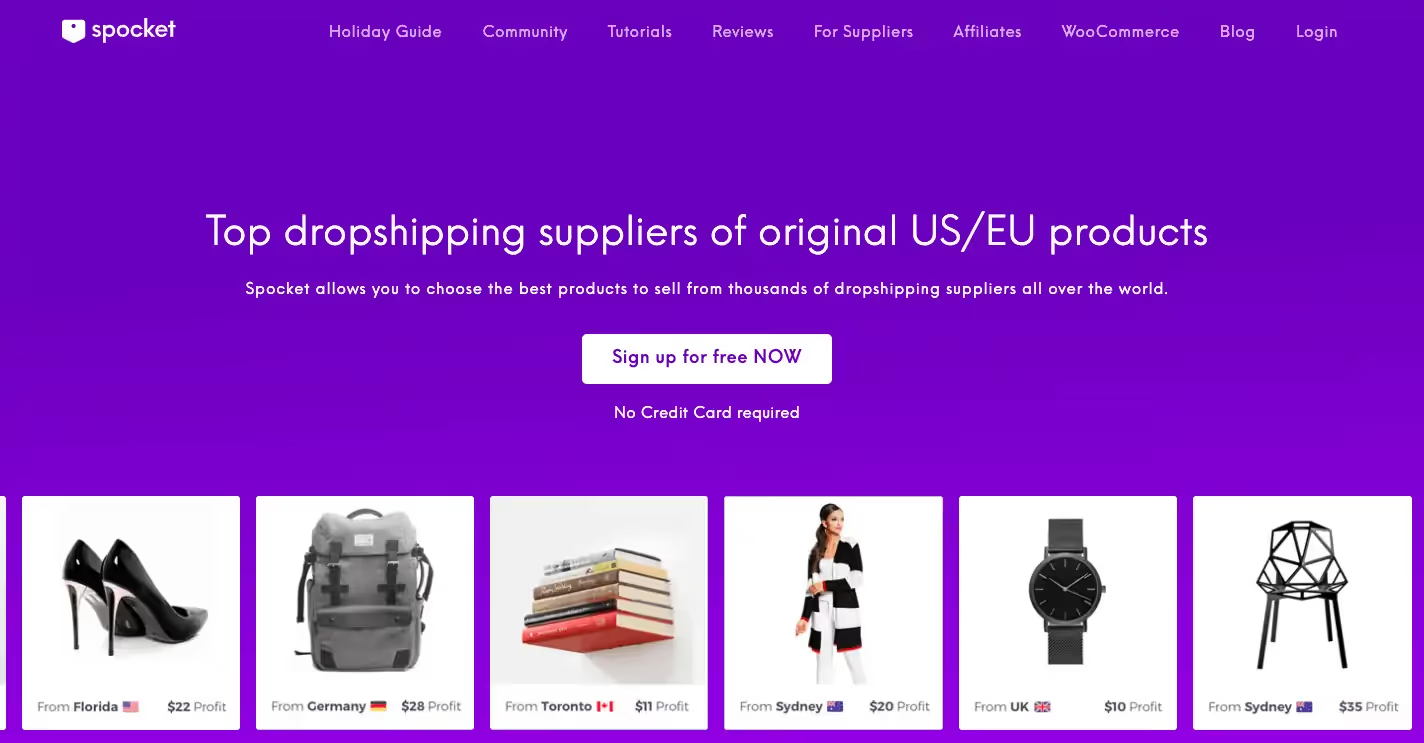
DSers focuses on AliExpress suppliers. Most products ship from China. Your customers wait weeks. You handle complaints about slow delivery. That cycle wears you down. Spocket emphasizes US and EU suppliers, which means faster shipping times and happier customers .
Quality Control Differences
Spocket vets its suppliers before they join the network . They must produce their own products and own their warehouses. They cannot use third-party fulfillment. DSers does not have the same verification process . When you migrate to Spocket, you trade unknown suppliers for vetted partners.
User Feedback
Reviews tell the story. Spocket maintains a 4.5 out of 5 rating on Trustpilot from over 10,000 reviews . DSers sits at 3.2 from just 12 reviewers . Users report that Spocket customer support responds quickly and resolves issues thoroughly . One merchant described how the support team stuck with them until complex technical problems were solved .
What You Can Migrate from DSers
Understanding what transfers helps you plan.
Product Data That Moves
When you use Spocket's migration tool, your product information comes with you. Titles transfer. Descriptions move. Images carry over. Pricing stays intact. Variants remain connected .
What Does Not Transfer
Orders placed through DSers stay in DSers. You fulfill those through your original system. Only new orders after migration go through Spocket. Supplier relationships also stay separate. You will need to find equivalent products on Spocket or use the AliExpress connection.
The Official Migration Tool: One-Click Solution
Spocket created a dedicated tool for this exact situation. No manual copying and pasting required.
How the Tool Works
The migration tool transfers all your DSers-imported AliExpress products directly to Spocket . Once the process completes, those products sync with Spocket instead. You view and manage them from your Spocket dashboard going forward .
Requirements for Success
You need both apps installed on the same Shopify store . DSers must have its language setting in English. Check this before starting. Also, the AliScraper Chrome extension helps with the connection . These requirements ensure the migration runs smoothly without errors.
How to Migrate to Spocket from DSers
Follow these steps in order. Do not skip ahead.
Step 1: Install Spocket on Your Store
If you have not already, add Spocket through the Shopify App Store. The installation takes seconds. You can browse the catalog during your free trial while preparing for migration.
Step 2: Download the AliScraper Chrome Extension
This extension bridges your DSers products to Spocket. It helps import AliExpress products through Spocket's partnership with AliExpress . Install it in your Chrome browser before proceeding.
Step 3: Set DSers Language to English
Log into your DSers account. Find the language dropdown menu. Select English . This step matters because the migration tool reads your product data in English. Other languages cause errors.
Step 4: Locate the Migration Button
Go to your DSers dashboard. Navigate to Products. Look at the bottom right-hand corner. You will see a button labeled "Migrate Products to Spocket" . Click it to start the process.
Step 5: Wait for Completion
The migration runs automatically. Do not close your browser during this time. Let the tool work. When finished, all your AliExpress products from DSers will appear in your Spocket dashboard under "My Products" .
Step 6: Verify Everything Transferred
Check your Spocket product list. Confirm that counts match what you had in DSers. Spot-check a few products to ensure descriptions, images, and pricing transferred correctly. If you notice anything missing, proceed to troubleshooting.
What to Do If Some Products Fail to Migrate?
Not every product may transfer successfully. Here is why and how to fix it.
Check Shipping Options
Products that do not migrate often lack AliExpress Standard Shipping as an available option . The migration tool requires this shipping method. If a product only offers ePacket or other carriers, it may not transfer.
Manual Import Option
For failed products, you have alternatives. You can search for the same items directly on Spocket. Use the AliScraper extension to import them manually from AliExpress . This takes more time but recovers your catalog.
Contact Support
Spocket offers 24/7 VIP customer support through email and live chat . If you encounter persistent issues, reach out. Support representatives respond quickly and can guide you through specific problems . Users consistently praise the support team for resolving technical difficulties .
After Migration: Setting Up Your Spocket Store
Your products have moved. Now you need to optimize your new setup.
Review Product Details
Spocket lets you edit product information before publishing . Take time to review each item. Adjust titles for search engines. Refine descriptions to match your brand voice. Set your retail prices based on wholesale costs.
Understand Supplier Information
Each product page shows supplier details. You will see their name, location, and order processing time. Their refund policy appears clearly. Their rating based on fulfillment success is visible . Higher-rated suppliers give you more confidence.
Order Samples
Before promoting products heavily, order samples . Ship them to your address. Check packaging quality. Verify shipping times match claims. This small investment prevents future customer complaints.
Set Up Branded Invoicing
Spocket Pro plans and above include branded invoicing . Add your logo to packing slips. Customers receive packages that look like they came directly from you, not a supplier. This professionalism builds repeat business.
Comparing DSers and Spocket Workflows
Understanding the differences helps you adapt.
Product Import Process
DSers uses a Chrome extension that adds an "Add to DSers" button on AliExpress . You browse AliExpress, click the button, and products go to your import list. Spocket keeps everything inside its dashboard. You browse Spocket's catalog, click "add to import list," then "Push All" when ready .
Supplier Communication
With DSers, you communicate through AliExpress messaging. With Spocket, Pro plan subscribers and above can chat directly with suppliers . This direct line solves problems faster and builds relationships.
Order Fulfillment
Both platforms automate fulfillment. But Spocket's integration with US and EU suppliers means orders process during your business hours. No waiting for time zones to align.
Common Migration Concerns Addressed
Store owners worry about specific issues. Here is the truth about each.
Will I Lose Sales During Migration?
Your store stays active throughout. Customers can still order. The migration only moves product data, not your store's ability to accept orders. Schedule the migration during low-traffic hours if you want to be extra careful.
What Happens to Existing Orders?
Fulfill existing DSers orders through DSers. Do not try to move them. The migration affects future orders only. Keep DSers installed until you ship all pending orders.
Do I Need to Keep DSers Installed?
Keep DSers for 30 days after migration. This covers return windows and order lookups. After that, you can uninstall safely.
Will Product URLs Change?
Product URLs may shift slightly. Set up redirects from old product pages to new ones. This preserves your search rankings and helps customers find what they expect.
How to Make the Most of Your New Spocket Store?
Migration is step one. Now make the most of your move.
Explore EU Supplier Options
If you sell to European customers, filter for EU-based suppliers. Shipping times drop to 2-5 days. Customer satisfaction rises. You can charge higher prices for faster delivery .
Use the "Winning Products" Feature
Spocket highlights trending products based on sales data. Check this section regularly. Add new items that match your niche. Stay ahead of competitors still using slow-shipping suppliers.
Take Advantage of Bulk Editing
Managing many products takes time. Use Spocket's bulk edit features. Adjust prices across your catalog with a few clicks. Update multiple product descriptions at once. This efficiency saves hours each week.
Consider AliExpress Through Spocket
If you still want specific AliExpress products, Spocket works with them through the AliScraper extension . You keep the variety while gaining Spocket's order management and support.
Conclusion
Migrating from DSers to Spocket does not mean rebuilding your store from scratch. The one-click migration tool transfers your products, descriptions, and images automatically. You keep the work you already invested while gaining access to faster US and EU dropshipping suppliers. Customer shipping times drop from weeks to days. Your support burden lightens. Your reviews stay intact. The process takes minutes, but the benefits last for the life of your business. If some products fail to transfer, support stands ready to help. Your next step is installing Spocket and clicking that migration button. Better suppliers and happier customers are minutes away. Migrate to Spocket today.
Start your dropshipping business today
Migrate to Spocket FAQs
How long does the DSers to Spocket migration take?
The automated migration typically completes within minutes for most stores. Larger catalogs with hundreds of products may take slightly longer. Do not close your browser during the process. If the migration takes more than 30 minutes, contact Spocket support for assistance.
Can I migrate products from multiple DSers stores?
You need to migrate each store separately. Install Spocket on each Shopify store individually. Run the migration tool from each DSers account. The tool only migrates products from the specific DSers store you are currently using.
Will my product reviews transfer to Spocket?
Product reviews attached to your store stay with your store. The migration moves product data, not customer reviews. Reviews you already collected remain visible on your product pages. New orders through Spocket will generate fresh reviews over time.
Do I need a paid Spocket plan to migrate?
You can start the migration during your Spocket free trial. The tool works regardless of your plan level. However, fulfilling orders after migration requires an active subscription. Choose a plan that matches your order volume before your first new sale.
What if I use DSers for multiple sales channels?
The migration tool focuses on products in your DSers account connected to Shopify. If you use DSers for other platforms like WooCommerce or Wix, you will need to migrate those separately. Check Spocket's integration options for each platform you use.
Can I undo the migration if something goes wrong?
The migration adds products to Spocket but does not delete them from DSers. You maintain access in both places initially. If problems arise, you can continue using DSers while troubleshooting. This safety net gives you time to resolve issues without losing sales.


Launch your dropshipping business now!
Start free trial.avif)


Related blogs
Dropshipping Supplier Directory: Where to Find Vetted Suppliers
Browse our directory of vetted dropshipping suppliers across the US and EU, complete with niches, shipping speed, and pricing. Start your free trial today.

How to Negotiate With Dropshipping Suppliers: 9 Tactics That Actually Work
Learn how to negotiate with dropshipping suppliers on price, MOQs, and payment terms. Proven tactics and email scripts to boost your margins. Try Spocket free.

Best Clothing Dropshipping Suppliers: The 2026 Guide
Compare the best clothing dropshipping suppliers for 2026 — US/EU shipping speeds, pricing, and product quality — and find the right fit to launch your store.
