Dropshipping Product Discontinued by the Supplier? Retire, Replace or Redirect
What to do when a supplier discontinues a product you already sell: a wait table, rules for paid orders, how to redirect the old page and a margin check for any replacement.
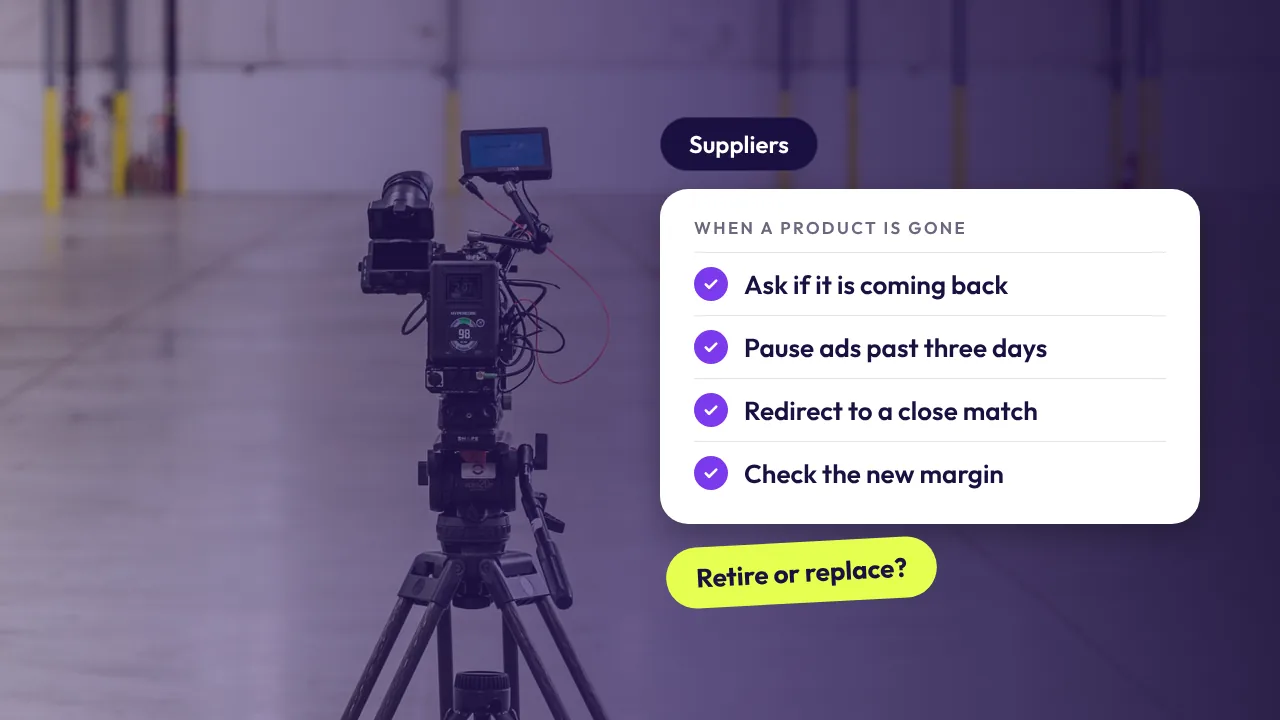


Your best seller shows up as unavailable on the supplier's side, and the usual restock note never comes. A few days later the supplier tells you the item is gone for good. Now you have a live listing, ad traffic, maybe a few paid orders, and a product page that Google already knows. A dropshipping product discontinued by the supplier is a listing problem as much as a sourcing problem, and the order you handle things in decides how much damage it does.
Work out what kind of gone it is
"Out of stock" gets used for four very different situations, and each one needs a different reaction. Start by asking the supplier one direct question: is this item coming back, yes or no? A vague answer such as "we are checking" counts as a no for planning purposes, because you can reopen a listing later but you cannot undo a week of orders you could not fill.
| What you see | What it usually means | First move |
|---|---|---|
| Whole product at zero, restock date given | Temporary stockout | Keep the listing, follow the wait table below |
| One size or colour missing | Variant retired | Hide that variant only |
| Product gone, supplier says discontinued | Permanent loss | Retire or replace the listing |
| All of one supplier's items vanish | Supplier stopped working with you or closed | Audit every listing from that supplier |
Treat the fourth row as an emergency. If several products from one supplier disappear on the same day, check your supplier dashboard and your email before you touch any listing, then work through that supplier's products one by one.

Use a wait table instead of a gut feeling
A common slip is to leave a dead listing live for a month because nobody ever set a rule. A simple set of thresholds takes the guesswork out. The numbers below are a starting point built around how long a customer will tolerate a delay and how much ad budget you can afford to burn, so adjust them to your own margins.
| Supplier's estimate | Listing | Ads |
|---|---|---|
| 3 days or less | Stay live, add the real delivery date | Keep running |
| 4 to 14 days | Set to draft or show sold out | Pause |
| Over 14 days, or "discontinued" | Retire it | Stop and remove the product from ad sets |
Write the threshold you choose somewhere visible, even in a spreadsheet note. Next time a product disappears you will apply the rule rather than reopen the debate.
Deal with the orders that are already paid
A discontinued item often has a handful of orders in the pipeline. Look at each one before you retire anything. Any order the supplier has not shipped is at risk, and the customer was promised a delivery date that you may no longer be able to keep.
In the United States, the FTC's Mail, Internet, or Telephone Order Merchandise Rule sets out what a seller must do when it cannot ship on time. Its business guide says that if you cannot meet the promised shipping time, or 30 days when none was promised, you must tell the customer and give them the choice to cancel for a prompt refund. For delays that go beyond a month, or that have no end date, the order is cancelled automatically if the customer does not agree to wait. When you already know an item will never ship, cancelling and refunding straight away is the cleaner route than asking customers to wait. Read the FTC business guide for the exact wording, and check the rules in any other country you sell to.
The practical version is short. Email every affected customer the same day, say plainly that the item is no longer available, and refund them in full. A close alternative can be offered as an extra they are free to accept or ignore, and you should never ship a substitute they have not agreed to. Refund first and sort out any supplier credit afterwards. For the supplier side of a single failed order, the guide on what to do when a supplier cancels a paid order covers the triage in more detail.
Retire the listing without losing the page
Deleting a product feels tidy, but it throws away a URL that may have taken months to earn traffic and links. Shopify gives you three options short of deletion, and the status you pick changes what shoppers and search engines see.
According to Shopify's product status guide, an archived product is hidden from your storefront and from the main product list, but it stays in your collections list in the admin. An unlisted product, by contrast, can still be bought through its direct link, so it does not suit an item you cannot supply. Draft is the safest holding state while you decide, since it takes the page offline without touching the product details.

The next question is where old visitors should land. Shopify's URL redirect page explains that a redirect only works on a broken URL, and that setting a product to Draft or removing it from every sales channel makes its address return a 404, which makes it eligible. It does not say how archived products behave, so the simple route is to set the product to Draft first, then add the redirect. If you archive instead, open the old address in a private browser window and check what loads before you create one.
Google's guidance on permanent redirects says to use them when you are sure the move will not be reversed. Match that to your situation with a simple rule.
| Situation | Redirect to | Why |
|---|---|---|
| Close replacement is live | The replacement product page | The visitor still gets what they came for |
| No replacement, category still active | The matching collection | It shows them the nearest options |
| Product may return within weeks | Nothing yet, keep it as draft | A permanent redirect is hard to undo |
Judge the replacement before you list it
A new supplier selling something that looks the same is not automatically a safe swap. Customers who bought the original expect the same size, material and feel, and reviews on the old listing describe that product, not the new one. Run every candidate through the same five checks before you point any traffic at it, and treat a single fail as a reason to keep looking.
| Check | Pass if | Fail if |
|---|---|---|
| Product match | Same material, dimensions and packed size | Any of them is noticeably different |
| Delivery | As fast as before or faster | Slower than the date you promise customers |
| Stock | Real stock shown today | A note such as ships in 10 days |
| Sample | Ordered and approved, if customers touch or wear it | Skipped on a tactile product |
| Margin | Above your own per order floor | Below the floor once fees are counted |
Say you sell a desk organiser for $39.99. The old supplier's landed cost was $17.40, made of $13.90 for the item and $3.50 for shipping. The replacement charges $15.60 for the item and $4.00 for shipping, so $19.60 in total. Assume card fees of 2.9% plus $0.30 per order, which comes to $1.46 at the current price. Your own processor's rate may differ, so use yours.
| Scenario | Price and landed cost | Left per order |
|---|---|---|
| Old supplier | $39.99 and $17.40 | $21.13 |
| New supplier, same price | $39.99 and $19.60 | $18.93 |
| New supplier, price raised | $41.99 and $19.60 | $20.87 |
Here the replacement loses $2.20 per order, about 10 percent of what you kept before. If your own floor is $15 per order after ads and fees, it passes either way. If your floor is $20, you need the price rise or a cheaper supplier. Be strict about that floor: if ads eat most of what is left, a replacement that looks fine on paper can still lose money.

If you are hunting for a like-for-like product, Spocket lists US and EU suppliers with 2 to 7 day shipping, and you can try it free for 7 days. Keep the old supplier's product details open in another tab so you can compare photos and measurements line by line.
Stop paying for traffic to a dead page
Pause every ad that points at the retired product on the day you retire it, and remove it from any product feed, email block or collection you control. Social posts and old campaigns will keep sending people for weeks, so keep the redirect in place until traffic to that address has dried up. If you are replacing the product, point new ads at the replacement only after its checklist passes, not before.
Put a warning system in place
You will not catch every discontinuation in time, but you can shorten the surprise. Ask each supplier for notice when they retire a line, and keep that request in writing. For your top ten sellers, keep one pre-vetted backup supplier on file so that a loss means a swap rather than a search. Check your best sellers' stock status once a week, and look at the supplier's scorecard if one product keeps disappearing, as the notes on scoring dropshipping suppliers explain.
Start your dropshipping business today
Discontinued Product FAQs
Should I delete a discontinued product or archive it?
Set it to draft if you plan to add a redirect, or archive it if you do not need one. Deleting removes the product record along with the address, while a draft or archived product can be brought back if the supplier restocks. Delete only listings you created by mistake.
How do I tell a long stockout from a discontinued product?
Ask the supplier in writing whether the item is returning and when. A firm date means a stockout, and the wait table above tells you what to do with it. A vague reply, or no date within about two weeks, should be treated as discontinued. Keep the reply, because it shows what you told customers and when.
Is it fine to redirect a retired product to the home page?
It works technically, but the visitor lands somewhere unrelated and tends to leave. A matching collection or a close replacement gives them something to do next. If neither exists, a clean not found page is more honest than a redirect that goes nowhere useful.
Can I keep taking orders while the supplier restocks?
Only if the customer sees a realistic delivery date before paying and can cancel for a refund if it slips. Selling stock you cannot send turns a supply problem into a refund and review problem, so for anything beyond a few days, hide the product instead.


Launch your dropshipping business now!
Start free trial


Related blogs

Dropshipping Branded Packing Slips and Inserts: What You Can Control
Learn which parts of a dropshipped parcel you can brand, from packing slips to insert cards, plus a break-even check and six questions to ask suppliers first.

WooCommerce Shipping Classes for Dropshipping With Several Suppliers
Set up WooCommerce shipping zones and classes for dropshipping with several suppliers, price each class per zone and test a mixed cart before launch.

Dropshipping Package Returned to Sender: Refund, Reship or Charge?
Package returned to sender? Work out who caused it, compare refund and reship costs on a $34 order, and set a fee rule that protects your margin and your customer.