


Best WooCommerce Dropshipping Plugins in 2026
Compare top WooCommerce dropshipping plugins for automation and growth. See features, pricing, and use cases to match your store.

This is the perfect time to start dropshipping because you've got a lot of competition. If you know how to differentiate your brand and make the most of the best WooCommerce dropshipping plugins, then you will be way ahead of others.
We are speaking from experience and we know that choosing the right plugins makes all the difference in the world. We've also done our research and thoroughly tested all of them. So without further ado, let's dive in! Get ready to give your customers the experience they truly deserve and stay pro with them.
Top WooCommerce Dropshipping Plugins at a Glance
Here's a quick overview of our expert pick of the best WooCommerce dropshipping plugins. We also mention their pricing and what they are best for below:
- Spocket WooCommerce dropshipping plugin – Connects your WooCommerce store with US and EU suppliers, fast shipping, and automated order sync. Paid plans start at about 39.99 dollars per month with higher tiers for larger catalogs. Best for store owners who want faster local shipping and curated products.
- AliDropship WooCommerce plugin – One time WordPress and WooCommerce plugin that imports AliExpress products, runs auto ordering, and syncs stock and prices. The license is a single 89 dollar one time payment with lifetime updates and support. Best for AliExpress centered stores that prefer a fixed cost.
- WooCommerce Dropshipping extension – Official WooCommerce extension that emails suppliers, supports AliExpress via Chrome extension, and includes an internal dashboard for order and profit tracking. Best for store owners who want a native experience built for WooCommerce.
- DSers for WooCommerce – Official AliExpress dropshipping partner that handles bulk ordering, supplier optimization, and multi store management for WooCommerce. Pricing starts around 15.90 to 19.90 dollars per month, plus a free tier. Best for high order volume AliExpress stores.
- ALD – AliExpress Dropshipping and Fulfillment for WooCommerce – WordPress plugin that imports AliExpress listings, applies pricing rules, and fulfills orders back to AliExpress with a Chrome extension. Offers both free and paid versions. Best for budget friendly AliExpress automation.
- Syncee Premium Dropshipping & Wholesale – Marketplace plugin that connects your WooCommerce store to US, CA, EU, UK, and AU suppliers with automated updates and order sync. Retailer plans run from a free tier up to around 299 dollars per month. Best for stores that want global wholesale style product sourcing.
- Printful Integration for WooCommerce – Print on demand plugin that adds custom print and embroidery products and sends orders to Printful for production and shipping under your brand. There is no monthly plugin fee, you pay per item and shipping. Best for brands that sell custom apparel and merch.
- Dropified for WooCommerce – Web app and Chrome extension that imports products from AliExpress and other sites, runs one click order fulfillment, and updates tracking and availability. Paid plans only. Best for sellers who want a cross platform dropshipping tool that also supports WooCommerce.
How We Test and Pick the Best WooCommerce Dropshipping Plugins
You want tools that work well with real stores, not just nice feature pages. That is why each plugin on this list went through a consistent test setup on live WooCommerce installs.
We installed, configured, and ran each one with actual products and orders, then tracked how they behaved under day to day use.
Here is how we decide which WooCommerce dropshipping plugins deserve a spot:
- Setup and onboarding: You should connect your store, import products, and get to a test order without friction. During testing we note how long setup takes, whether instructions are clear, and if any hidden requirements appear mid way, such as extra extensions or accounts.
- Catalog quality and suppliers: We look at where suppliers sit, shipping time estimates, product variety in real categories, and how much control you have over pricing and margins. Plugins that connect you with reliable dropshipping suppliers and useful filters for shipping regions and price ranges rank much higher.
- Automation and order flow: We check how product imports behave, how orders travel from WooCommerce to the supplier, and how tracking data flows back. Auto updates for inventory and prices, bulk ordering, and strong AliExpress or marketplace links all play a big role in our scores.
- Pricing and value: You should know what you pay and what you get. We compare monthly or one time fees, free tiers, catalog limits, and extra benefits such as branded invoicing or premium product access.
- Support, docs, and reliability: When you run into trouble, clear documentation and responsive support matter. We inspect official docs, test any knowledge bases, and check user reports for bugs around imports, order sync, and WooCommerce compatibility.
Best WooCommerce Dropshipping Plugins in 2026
Now let's dig deep into these WooCommerce dropshipping plugins.
1. Spocket’s WooCommerce Dropshipping Plugin
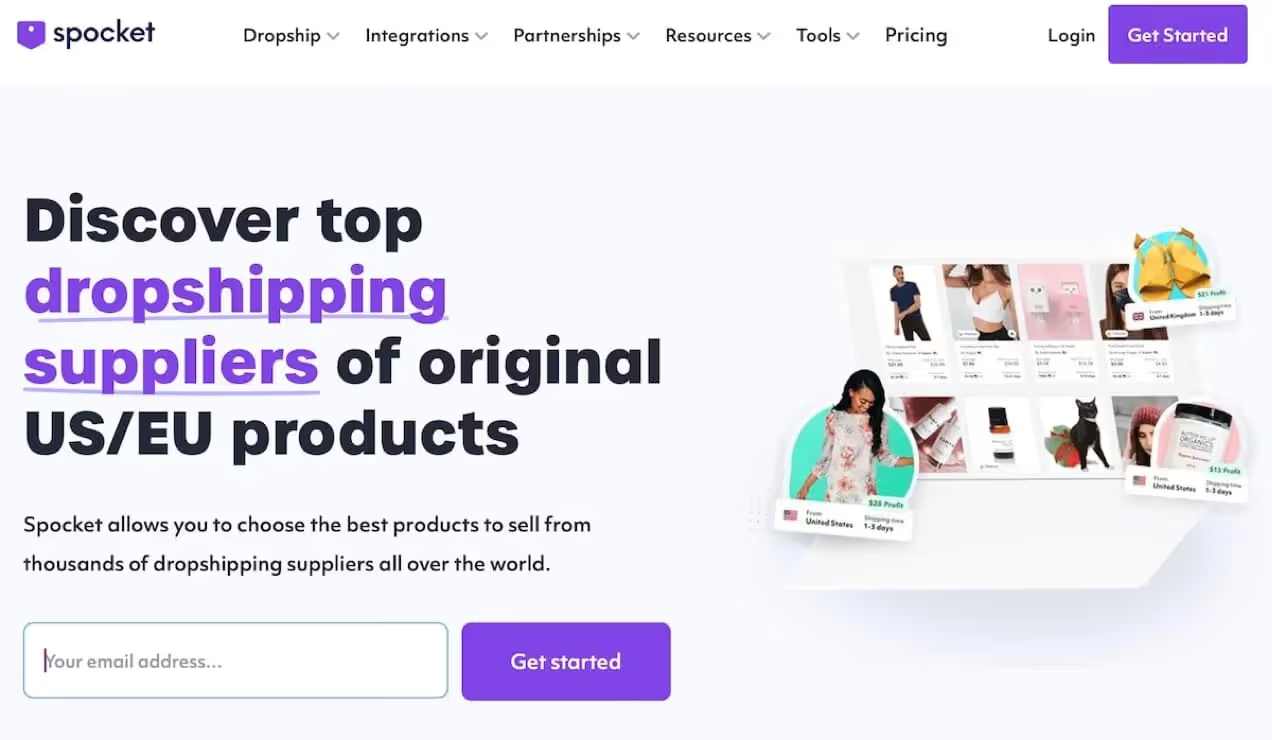
Spocket connects your WooCommerce store to a large catalog of products from mostly US and EU suppliers, then syncs them into your WordPress dashboard so you can add them to your store with a few clicks. The dedicated WooCommerce dropshipping plugin links your store to Spocket, handles authentication, and keeps product data flowing between the two platforms. After you connect your shop, you browse the Spocket catalog, import products, and manage pricing and descriptions directly inside WooCommerce.
The main draw is location based sourcing and shipping. Around 70 to 80 percent of Spocket suppliers sit in the US and Europe, which means faster delivery times and fewer shipping surprises for those regions. Spocket also includes built in discounts from suppliers, often around 25 to 30 percent off retail, so you keep margin headroom without complicated pricing math. You can filter the catalog by country, shipping time, and product type, then import only what matches your brand.
On the automation side, Spocket pushes WooCommerce orders to suppliers, syncs tracking numbers, and keeps inventory and price updates aligned with supplier changes. You can edit titles, descriptions, and images before publishing, then rely on automatic updates for stock and cost. Spocket also supports features like branded invoicing and premium product tiers on higher plans, which help you present orders under your own brand name.
Spocket’s Pricing
Pricing sits on four paid tiers: Starter, Pro, Empire, and Unicorn. Monthly plans start at about 39.99 dollars for Starter, move up to 59.99 dollars for Pro, 99.99 dollars for Empire, and around 299 dollars for Unicorn, with deep discounts on annual billing. All paid plans usually include a 14 day free trial so you can run imports and test real orders before you commit. When you want to review plan limits or move up a tier, you can always check the live page.
You also get some extra perks inside Spocket, such as a curated list of trending items and “winning” products. If you want quick product research shortcuts, the internal tool that surfaces the best dropshipping products from US and EU suppliers can save you time compared to raw AliExpress browsing. Once you feel ready to plug Spocket into your store, you can create your account straight from the plugin or directly from the web app using the Spocket signup page.
2. AliDropship WooCommerce Plugin
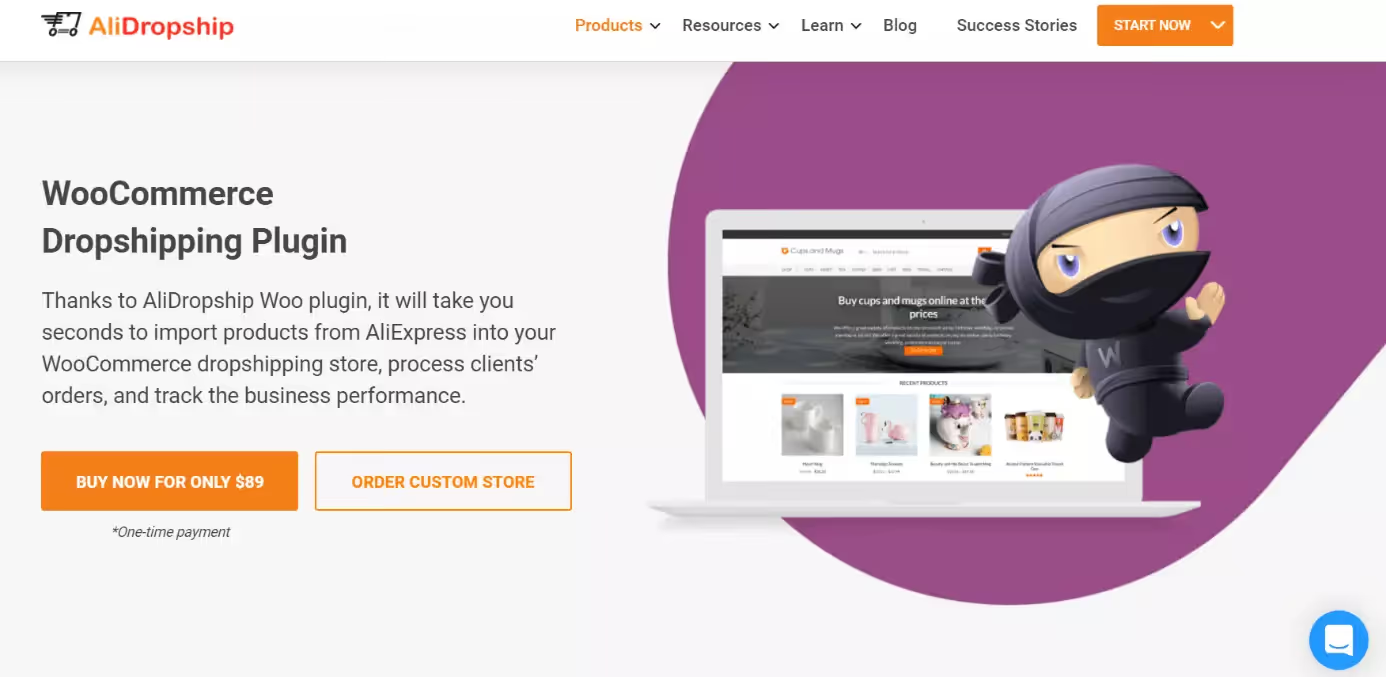
AliDropship offers a WordPress plugin that comes in two versions: a standalone WooCommerce alternative and a WooCommerce compatible version that plugs into your existing store. In WooCommerce mode, it imports products directly from AliExpress, pulls images, descriptions, and variations, then maps them into WooCommerce product entries. You can then rewrite titles, change prices, and edit images before you push products live.
Once the catalog sits inside WooCommerce, AliDropship automates key AliExpress tasks. It includes auto ordering, which lets you place AliExpress orders for WooCommerce sales with one click instead of re typing customer data every time. The plugin also syncs inventory and pricing with AliExpress on a schedule, which protects you from selling out of stock or underpriced products when suppliers change their listings.
AliDropship stands out through its pricing model. You pay a single 89 dollar fee for the plugin license, which covers either the standard or the WooCommerce version, and that includes lifetime updates and support. There are optional paid add ons for things like upsells or Google Merchant feeds, but there is no ongoing subscription tied to order volume. If you commit to AliExpress as your main source and want a fixed software cost, this plugin fits that plan.
3. WooCommerce Dropshipping Extension
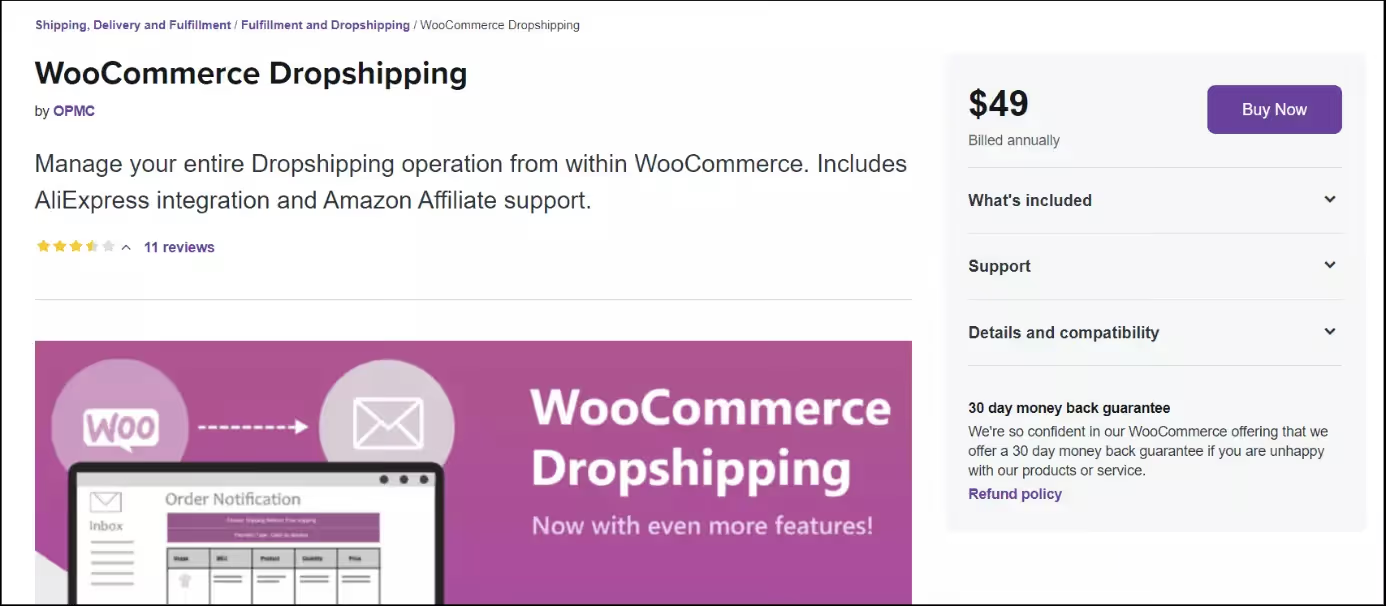
The official WooCommerce Dropshipping extension integrates tightly with your existing store and supplier setup. At its core, it groups products by supplier and sends automated order notification emails each time a customer buys those items. Those emails include item lists, quantities, and shipping details so your suppliers can pack and ship without extra back and forth.
For AliExpress sourcing, the extension ships with its own Chrome extension that pulls products from AliExpress into WooCommerce as external or standard products. You view an AliExpress item, click the browser icon, and the extension imports the product data into your store where you can adjust pricing and content before publishing. The same link powers AliExpress order automation later, so you do not re enter order details each time.
The plugin also offers a dropshipping dashboard inside WooCommerce that gives you an overview of orders, projected profit, stock levels by supplier, best selling items, and affiliate products. This sits right in your WordPress admin, so you do not bounce between separate apps when you check how the store performs. Pricing for the WooCommerce Dropshipping extension appears as an annual subscription on the WooCommerce marketplace, and it includes updates and official support plus a 30 day money back guarantee window.
4. DSers for WooCommerce
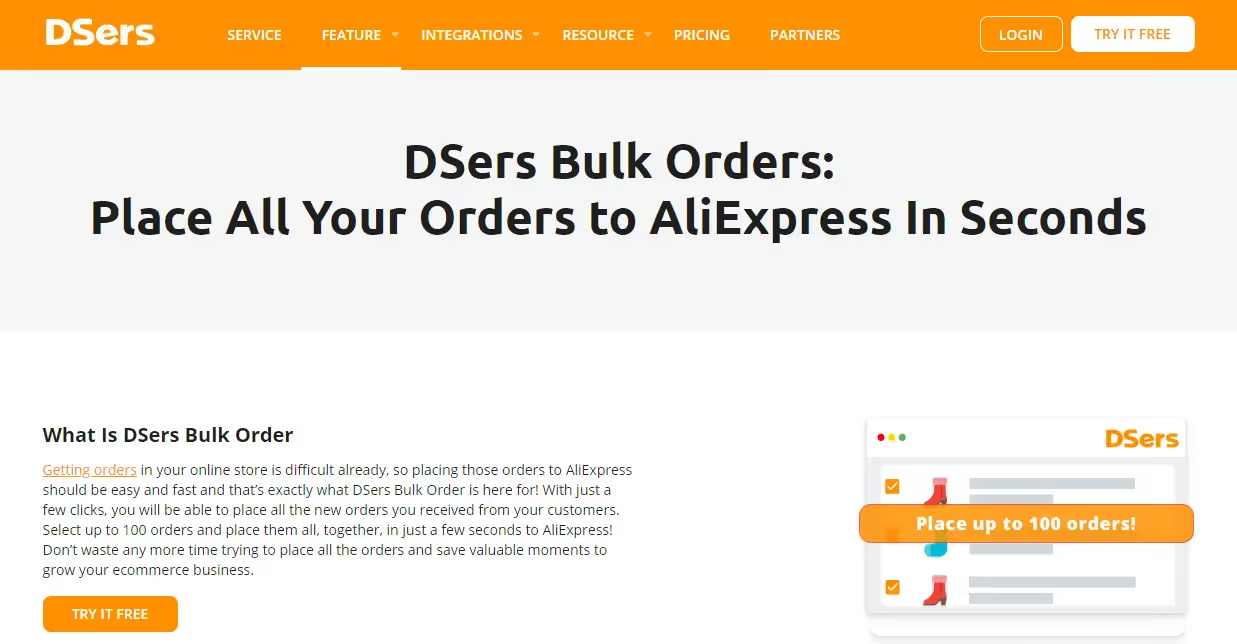
DSers works as the official AliExpress dropshipping partner and offers a dedicated integration for WooCommerce stores. You connect your WooCommerce site to DSers, then use its web dashboard and Chrome extension to import products from AliExpress, map variants, and adjust prices before sending items back into your store catalog. DSers also lets you connect multiple WooCommerce stores under one account and manage orders for all of them in one place.
The strong point for DSers is order handling at scale. You can place hundreds of AliExpress orders in a batch with one click, sync tracking numbers back to WooCommerce, and watch status updates flow into your store and emails. DSers also includes supplier optimization, so you can switch AliExpress suppliers for the same product and pick better prices or ratings without rebuilding your listings.
DSers runs on a freemium model. There is a free tier with limits on product and order counts, then paid plans that start at around 15.90 to 19.90 dollars per month and rise to enterprise levels around 399 to 499 dollars per month. Higher tiers expand product limits, store connections, and features like advanced AI tools, extra tracking windows, and multi platform access. That spread makes DSers a good fit if you plan to grow AliExpress volume over time and want more automation as order counts rise.
5. ALD – AliExpress Dropshipping and Fulfillment for WooCommerce
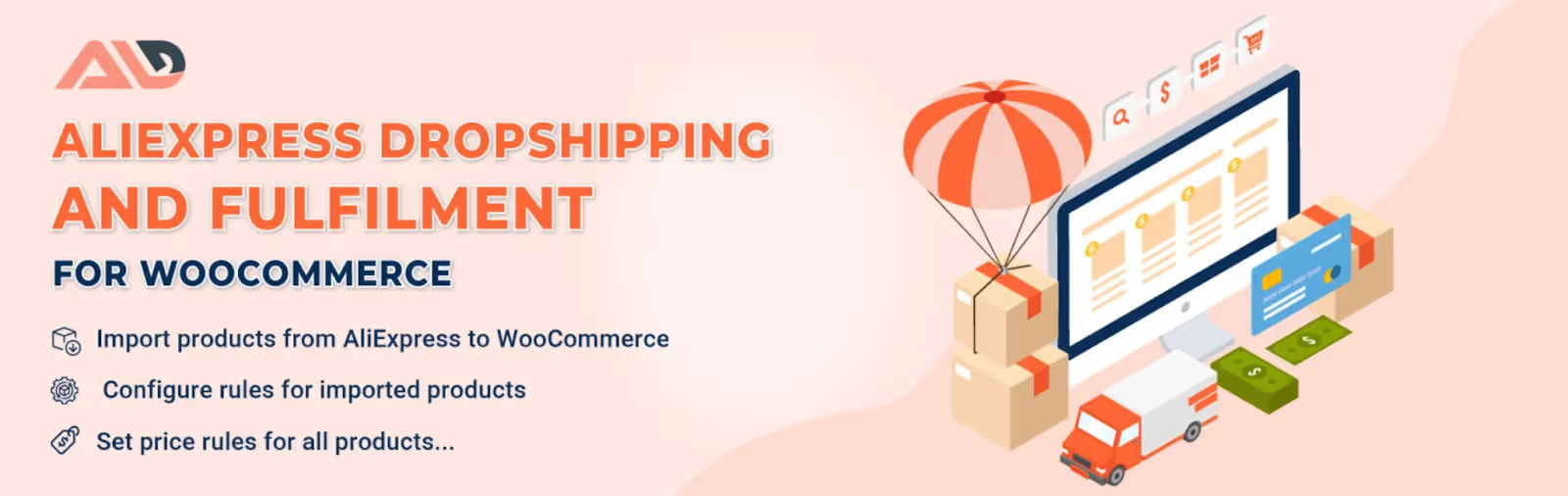
ALD – Dropshipping and Fulfillment for AliExpress and WooCommerce is a WordPress plugin from VillaTheme that keeps its focus on AliExpress automation for WooCommerce. After you install the plugin and its browser extension, you can import AliExpress products into WooCommerce while preserving variations, images, and basic description data. The plugin also brings in shipping options during import, so you see costs when you decide what to list.
One of ALD’s strongest features is its pricing rules system. You can set global rules that mark up imported products by fixed amounts or percentages over specific price ranges, convert currencies at a chosen exchange rate, and even fold shipping into the product price when needed. That way, new products follow consistent pricing logic instead of manual edits every time. ALD also handles automatic stock and price updates, so your WooCommerce data stays close to AliExpress.
On the fulfillment side, ALD lets you send WooCommerce orders to AliExpress through the browser extension and can apply your preset shipping options by default. You control whether it syncs tracking information and how often it refreshes. The plugin comes in a free version on WordPress.org and a premium version sold through the developer’s site or marketplaces, with the paid tier unlocking higher limits and more automation around pricing and updates.
6. Syncee Premium Dropshipping & Wholesale
Syncee runs a global B2B marketplace that links WooCommerce stores with suppliers from the US, Canada, Europe, the UK, Australia, and other regions. With the Syncee plugin installed, you browse a catalog of millions of ready to sell products, filter by location, shipping conditions, or category, and then import selected items or entire supplier catalogs into WooCommerce. Syncee keeps product data updated daily, which helps prevent overselling when a supplier runs out or changes pricing.
Syncee also covers automated order forwarding. When a customer places an order on your WooCommerce store for a Syncee product, you pay the supplier inside Syncee and they ship to your buyer on your behalf, while Syncee passes order and tracking data along. The plugin supports tiered pricing rules and category pricing, so you can set profit margins once and apply them across groups of products instead of editing each listing.
Pricing for Syncee includes a free Starter plan plus several paid tiers. The free plan lets you browse the marketplace and set up a catalog but does not publish products to your store. Paid retailer plans begin around 40 dollars per month for the Basic plan, move to about 60 dollars for Pro, 99 to 100 dollars for Business, and up to roughly 299 dollars for the Plus plan, with each tier increasing product limits and catalog counts. This setup suits stores that want to experiment at low cost before they push a large catalog live.
7. Printful: Print on Demand for WooCommerce
Printful’s official WooCommerce integration connects your store with a large catalog of print on demand products, including apparel, accessories, and home goods. Once you connect your WooCommerce site to Printful, any order that includes a Printful item flows automatically to Printful’s system, where they print, pack, and ship on your behalf under your own branding. You handle product design, pricing, and marketing, and they handle production and logistics.
You can create products inside the Printful dashboard using its design tool, choose mockups, and then push items directly into WooCommerce with descriptions and photos. The integration supports more than 300 products, multiple currencies, and global shipping with fulfillment centers across several continents. Average production times reported by Printful sit around two to five days before shipping, which many sellers find acceptable for made to order items.
Printful does not charge a monthly fee for the core WooCommerce plugin. You pay per item and shipping when customers place orders, with optional paid membership tiers and discounts for higher volume stores or extra branding options. That pricing model works well if you want to add custom merch to your store with minimal upfront spend. If you want to compare print oriented suppliers further, Spocket also maintains a dedicated print on demand catalog of white label products you can connect to WooCommerce.
8. Dropified WooCommerce Dropshipping Plugin

Dropified started as an AliExpress automation tool and now supports multiple platforms, including WooCommerce. You install its Chrome extension, connect your WooCommerce store via an API key, and then use Dropified’s web dashboard to search, import, and manage products from AliExpress and other supported marketplaces. Imports include product descriptions, images, and variants, which you can edit before they go live.
Dropified centers on automation and convenience. It offers one click product importing, one click order fulfillment, automatic tracking updates, and alerts for price or availability changes from suppliers. You can also create bundles across different suppliers, manage sub users in your account, and work in bulk edit mode when you need to change pricing or variants across a group of listings. Those features save a lot of manual admin time once order volume grows.
Dropified runs on paid subscription plans rather than a free tier, and most information about its pricing appears through its website and sales pages. Plans vary by order limits, number of stores, and access to advanced features, while all of them include the Chrome extension and core automation tools. If your store uses both WooCommerce and other platforms, Dropified can act as a common layer for product and order management.
Conclusion
Dropshipping on WooCommerce gives you a flexible way to test products, refine your brand, and grow with less risk than stocking inventory. The plugins above remove much of the manual work by importing items, syncing orders, and keeping pricing aligned with your suppliers. Once you connect the right mix of tools to your store, you can spend more time on product selection and customer experience instead of copy pasting data between tabs.
Get started with Spocket today.
Start your dropshipping business today
Best WooCommerce Dropshipping Plugins FAQs
What is a WooCommerce dropshipping plugin and why should you use one?
A WooCommerce dropshipping plugin connects your WordPress store with suppliers and automates tasks such as product import, order forwarding, and tracking updates. Without a plugin, you would copy product details and customer information by hand, which leads to errors. With the right tool in place, you maintain your catalog inside WooCommerce while suppliers handle storage and shipping in the background.
Can you use multiple dropshipping plugins on the same WooCommerce store?
Yes, you can often run more than one dropshipping plugin in a single WooCommerce install, for example one for AliExpress products and another for print on demand. You should still keep things simple. Use each plugin for a clear role, test for conflicts, and avoid mapping the same product to different providers, since that can confuse order routing and stock updates.
How much does a typical WooCommerce dropshipping plugin cost per month?
Pricing varies a lot. Some tools charge a one time fee around 89 dollars, others follow a SaaS model starting near 15 to 40 dollars per month and rising with catalog size or order volume. Many providers add a free tier or trial, but that tier often limits product counts or automation features. Treat those plans as a test environment, then switch to paid once you see consistent sales.
Do WooCommerce dropshipping plugins slow down your store?
Most plugins do their heavy lifting on external servers and send data to WooCommerce through APIs, so the performance impact on your storefront usually stays low. Problems show up when you stack many plugins, run outdated versions, or host on weak servers. Keep your plugin set lean, update regularly, and pick solid hosting to avoid speed issues while you scale your product catalog.
Are WooCommerce dropshipping plugins safe to use with customer data?
Reputable providers use secure connections and restrict access to the data they need, such as names and addresses for shipping. Before you install any plugin, read its documentation and privacy notes to see what it stores and where it processes data. You should also keep WordPress, WooCommerce, and your plugins updated, since many security problems come from old versions with known flaws.
What type of products work best with WooCommerce dropshipping plugins?
Most plugins handle general physical products such as fashion, home goods, gadgets, beauty, and accessories, while some focus on AliExpress goods or print on demand. When you pick products, look at supplier ratings, shipping times, return policies, and the quality of product photos. It is smarter to start with a smaller, curated catalog that you can describe well than to flood your store with hundreds of weak listings.


Launch your dropshipping business now!
Start free trial.avif)


Related blogs

Minea Review: Is It Worth It for Dropshipping Product Research?
Read this Minea review to explore its features, pros, cons, pricing value, and whether it is the right product research tool for dropshipping sellers.


Top AI Tools for Small Businesses in 2026
Learn about the top AI tools for small businesses in 2026 for content, finance, agents, and automation. Pick the best AI tools for small businesses that match your workflows and budget, from free and paid.


Which are the Best Print on Demand AI Tools in 2026?
Find out which are the Print on demand AI tools in 2026. Save time, boost ROI, and improve product quality. Compare features, pricing, and real workflows for POD stores.
