


Mockups Generator Tools: Fast, Easy, and Professional Results
Discover the best mockups generator tools that deliver fast, easy, and professional results for e-commerce, web design, & marketing — free & premium options.
.avif)

Great visuals can instantly change how a product is perceived. From online stores to marketing campaigns, the way your product looks often decides whether someone clicks, buys, or moves on. This is exactly why a mockups generator has become such an important tool.
A mockups generator is an easy-to-use online mockup tool that helps you create realistic product visuals without any design expertise. Instead of working with complicated software, you can upload your design, choose a layout, and generate professional mockups in minutes. These tools are widely used for eCommerce listings, social media posts, branding materials, and ads.
The biggest advantage is speed and simplicity. With the right mockups generator, you can produce clean, professional results quickly—helping your brand look polished while saving time and effort.
What Is a Mockups Generator?
A mockups generator is a digital tool that helps you turn simple designs into realistic, professional visuals within minutes. Instead of showing flat images or raw designs, mockup generator tools place your design into real-world settings—like a t-shirt, website screen, packaging box, or mobile device—so it looks polished and presentation-ready.
At its core, a mockups generator allows you to upload a design, choose a template, customize colors or backgrounds, and instantly download a high-quality mockup. These tools are built to deliver professional mockup design results without complexity.
Core Functionality of Mockup Generator Tools
Most modern mockup generator tools focus on speed, simplicity, and realism. They come with ready-made templates, drag-and-drop editors, smart scaling, and automatic shadows or lighting. Many advanced tools even use AI to adjust perspective and texture, making mockups look natural and high-end.
The goal is simple: help anyone create visually appealing mockups without hiring a designer or learning advanced software.
How It’s Different From Traditional Design Software
Unlike tools such as Photoshop, a mockups generator doesn’t require design expertise, layers, or technical skills. You don’t need to understand masking, smart objects, or complex editing workflows. Everything is streamlined and intuitive, making it ideal for beginners, marketers, and business owners who want fast results.
Common Use Cases for Mockups Generators
Mockup generators are widely used across industries. E-commerce brands rely on them for product pages and ads, while startups use them for branding and presentations. Social media creators use mockups for promotional posts, and marketers depend on them for campaigns that need eye-catching visuals quickly.
Why Use Mockups Generators?
Creating professional visuals no longer needs to be time-consuming or expensive. With an easy mockup generator, anyone can produce high-quality designs quickly, even without a design background. Here’s why mockup generators have become a go-to solution for businesses, marketers, and creators.
Saves Time With Instant Results
Mockup generators significantly reduce the time spent on design work. Instead of manually creating visuals from scratch, you can select a template, upload your design, and get a finished mockup in seconds. This speed makes them ideal for fast-moving projects, product launches, and marketing campaigns where time matters.
No Technical Skills Required
One of the biggest advantages of an easy mockup generator is simplicity. Most tools come with drag-and-drop editors and clear customization options. You don’t need to learn complex software or design techniques—everything is built for ease of use, even for first-time users.
Cost-Effective With Free Options
Many platforms offer free mockup templates that cover common use cases like products, websites, and social media. Premium plans unlock advanced features, but free versions are often enough for small businesses and startups looking to save costs without sacrificing quality.
Professional-Quality Output
Despite their simplicity, mockup generators deliver polished, high-resolution visuals. These professional results are perfect for websites, sales pitches, ads, and presentations—helping your brand look credible and well-established.
Top Mockups Generator Tools (Free & Paid)
Selecting the right mockups generator can directly impact how professional, trustworthy, and visually appealing your designs look. Whether you’re creating product visuals for an online store, marketing assets for campaigns, or branded content for social media, the tools below stand out for their performance, ease of use, and output quality.
1. Placeit – Best for Diverse Mockup Templates
Placeit is a powerful and widely trusted mockups generator that focuses on speed, variety, and accessibility. It is designed for users who want professional visuals without spending time learning design software. With one of the largest template libraries available, Placeit makes it easy to visualize products in real-world scenarios across multiple industries.
Key Features
- Thousands of mockups for apparel, devices, packaging, and branding
- Easy drag-and-drop, browser-based editor
- High-resolution downloads with commercial usage rights
- Video mockups for ads and social media promotions
Best For
Placeit is best for eCommerce sellers, print-on-demand businesses, and marketers who need fast, diverse mockups at scale.
2. Canva – Best Beginner-Friendly Mockups Generator
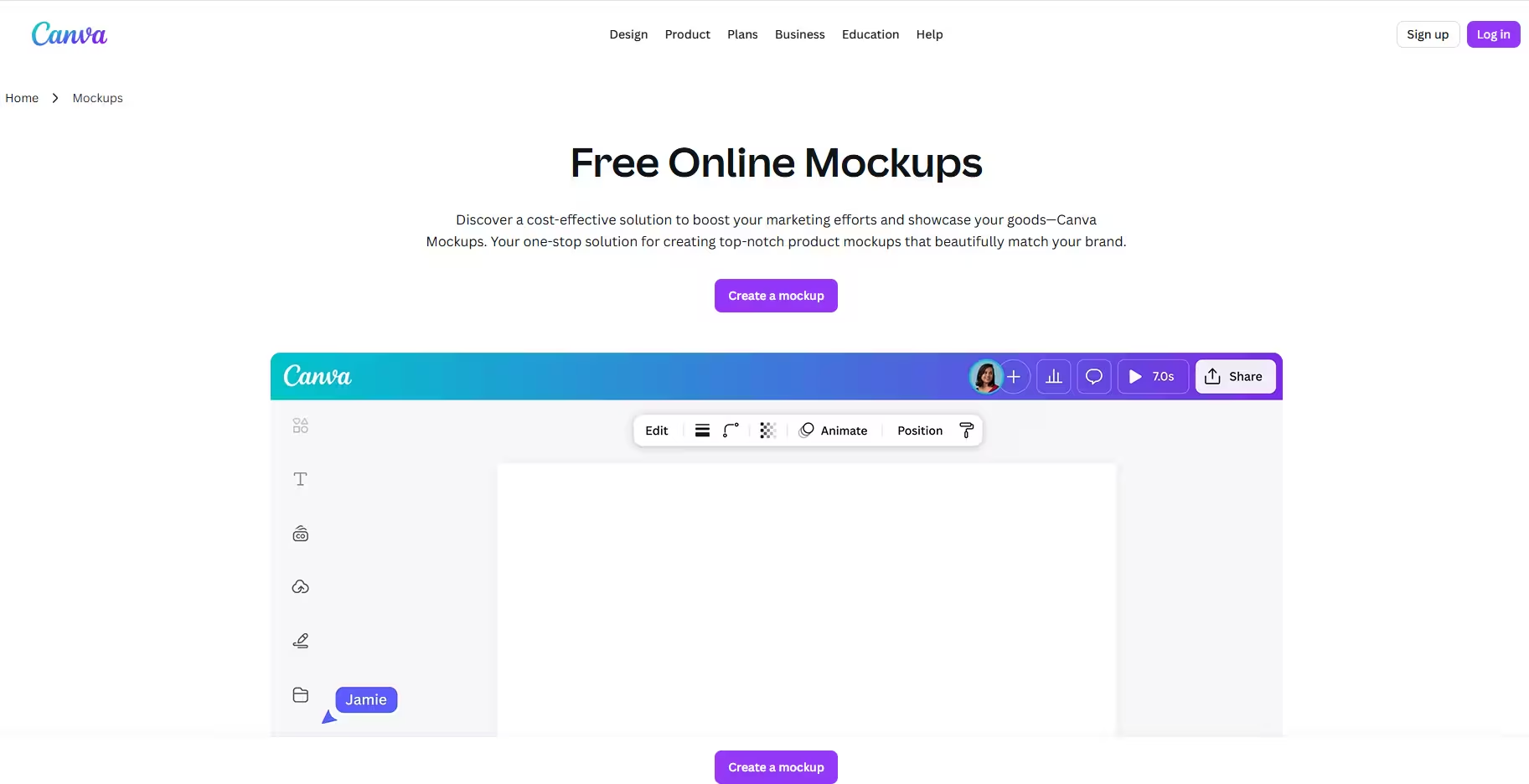
Canva is a well-known design platform that doubles as an easy mockups generator for users of all skill levels. It removes the complexity of design by offering pre-built layouts, smart suggestions, and AI-assisted tools, making it especially appealing to beginners and non-designers.
Key Features
- Intuitive drag-and-drop interface
- AI-powered design tools for quick customization
- Large collection of free and premium mockup templates
- Ready-made formats for social media, ads, and presentations
Best For
Canva is ideal for beginners, small business owners, and content creators who want quick, clean mockups with minimal learning time.
3. Smarty Mockups – Best for High-Quality Product Mockups
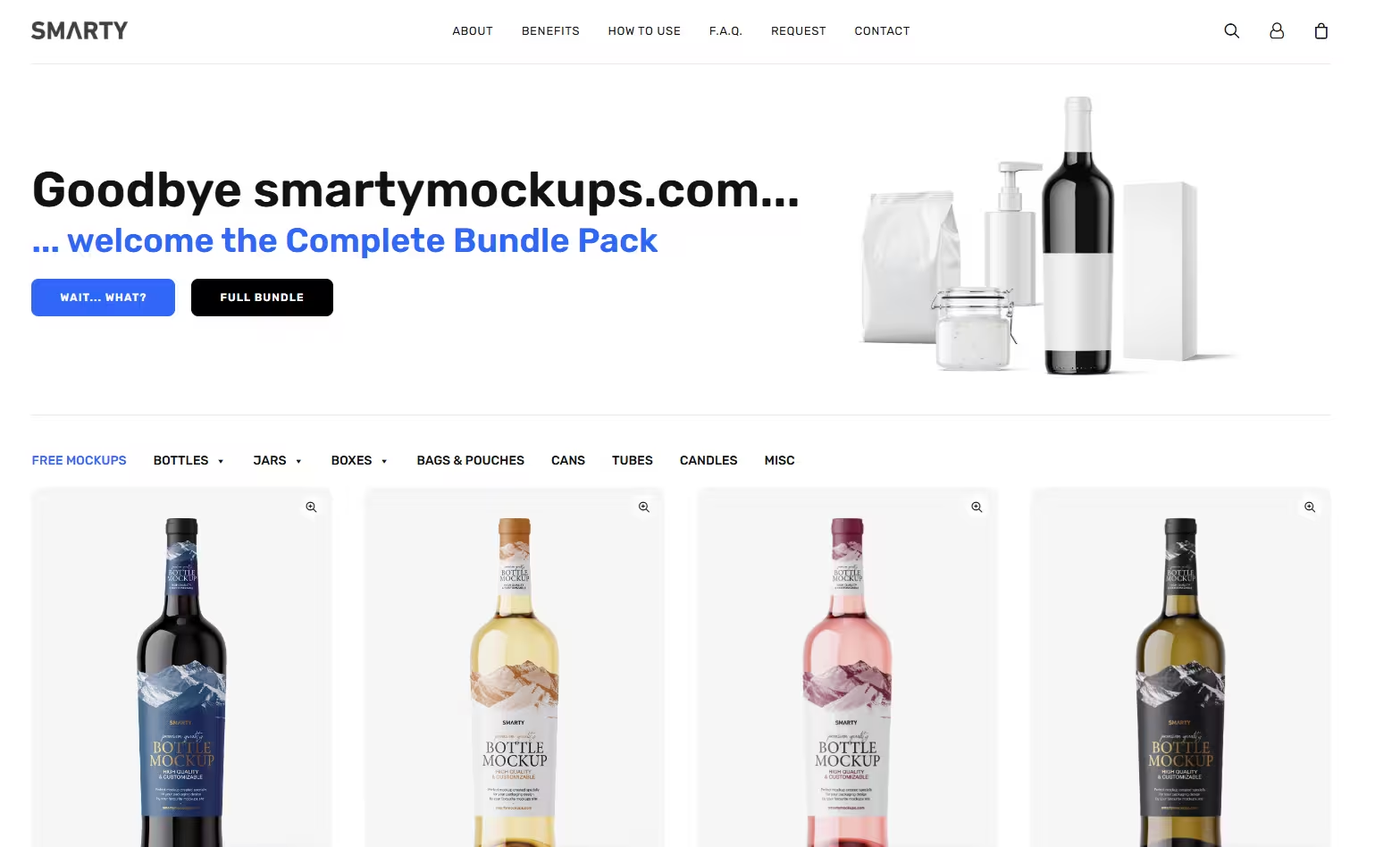
Smarty mockups is a specialized mockups generator built for users who prioritize visual quality and realism. It focuses on delivering clean, professional mockups that closely resemble real-life product photography, making it a preferred choice for brands and designers.
Key Features
- High-quality product and device mockups
- Realistic lighting, shadows, and perspective control
- Integrations with popular design tools
- Cloud-based platform with no downloads required
Best For
Smarty mockups is best for designers, startups, and brands that need premium-quality mockups for product pages, pitches, and branding materials.
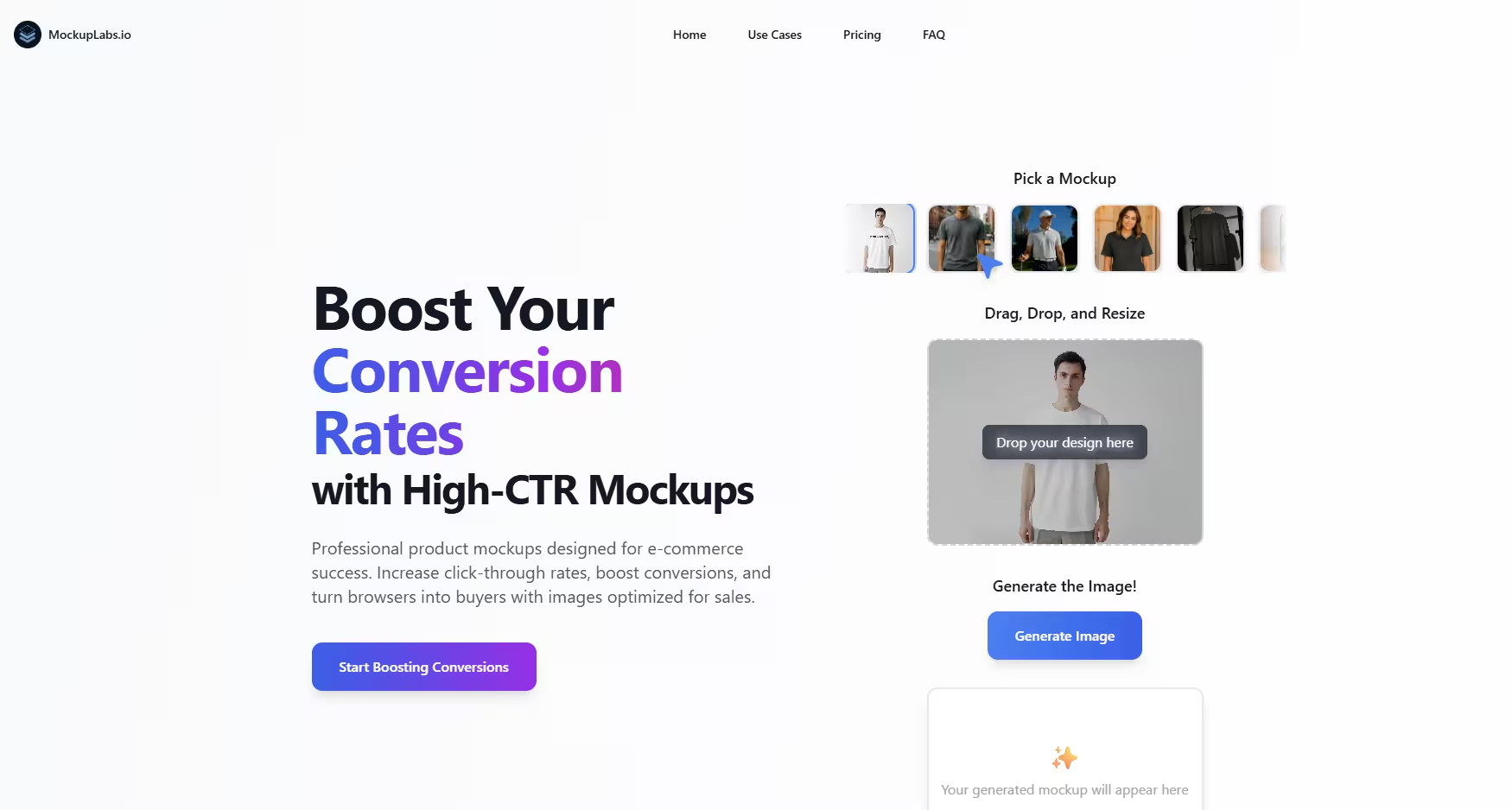
4. MockupLabs – Best AI-Driven Mockups Generator
MockupLabs is a modern mockups generator that stands out for its AI-powered automation and extensive template library. Built for speed and realism, it helps users generate professional mockups with minimal manual effort. The platform leverages AI to adapt designs naturally to different surfaces, angles, and textures, making the final output look highly realistic.
Key Features
- AI-powered mockup generation
- Large collection of product, device, and branding templates
- Smart scaling and perspective adjustments
- Fast cloud-based rendering
- High-resolution exports for commercial use
Best For
MockupLabs is best for designers, startups, and marketers who want AI-assisted workflows and polished visuals without spending hours on manual editing.
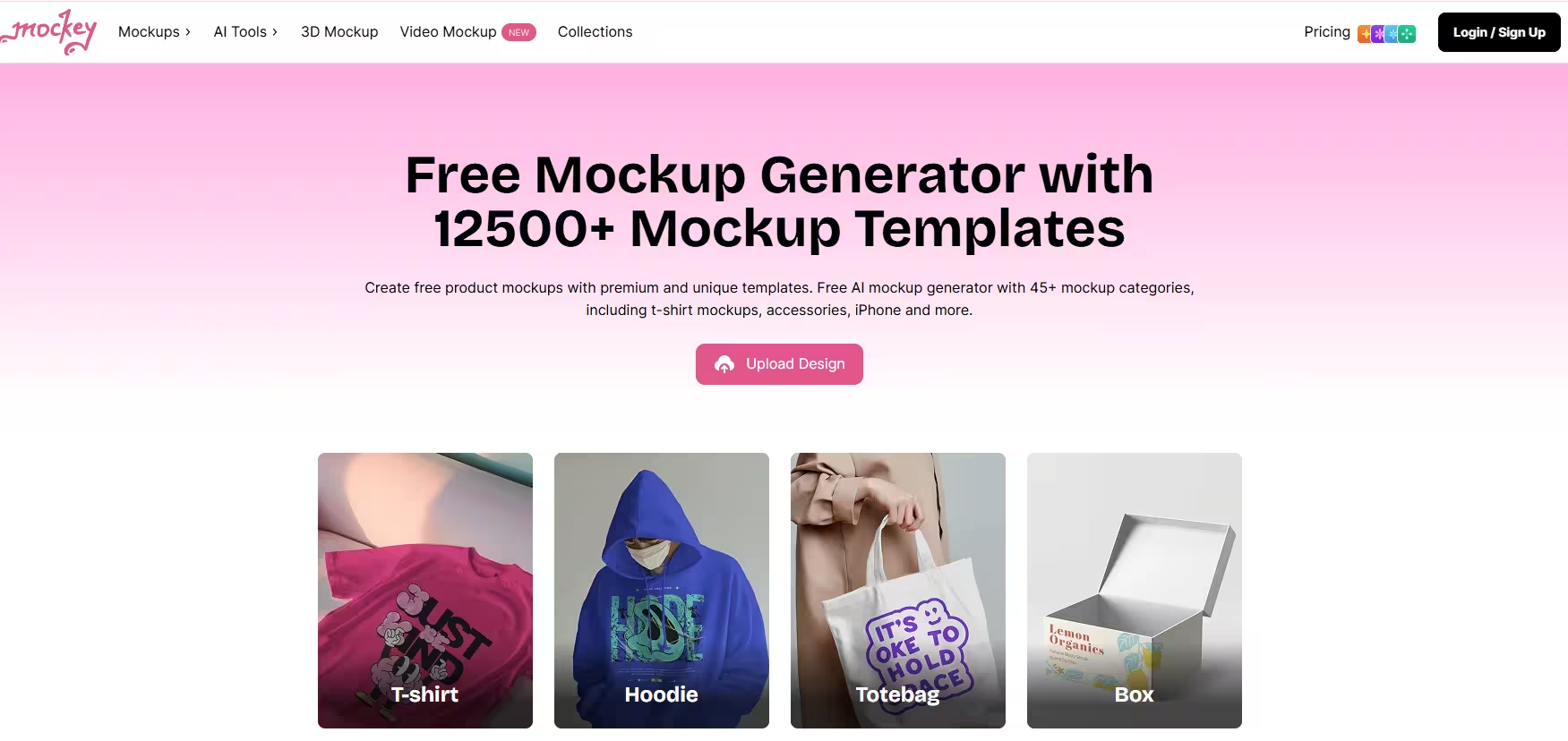
5. Mockey – Simple and Free Mockups Generator
Mockey is a straightforward mockups generator designed with simplicity in mind. It removes unnecessary features and focuses on helping users create clean mockups quickly and without friction. Because it requires no sign-up or technical knowledge, Mockey is an accessible option for beginners or anyone who wants to generate mockups on the go. It’s especially popular for basic product and apparel mockups where speed matters more than advanced customization.
Key Features
- Free mockup templates for products and apparel
- No account or software installation required
- Clean, easy-to-navigate interface
- Quick mockup downloads
Best For
Mockey is best for beginners, students, and small businesses that need fast, free mockups with minimal setup.
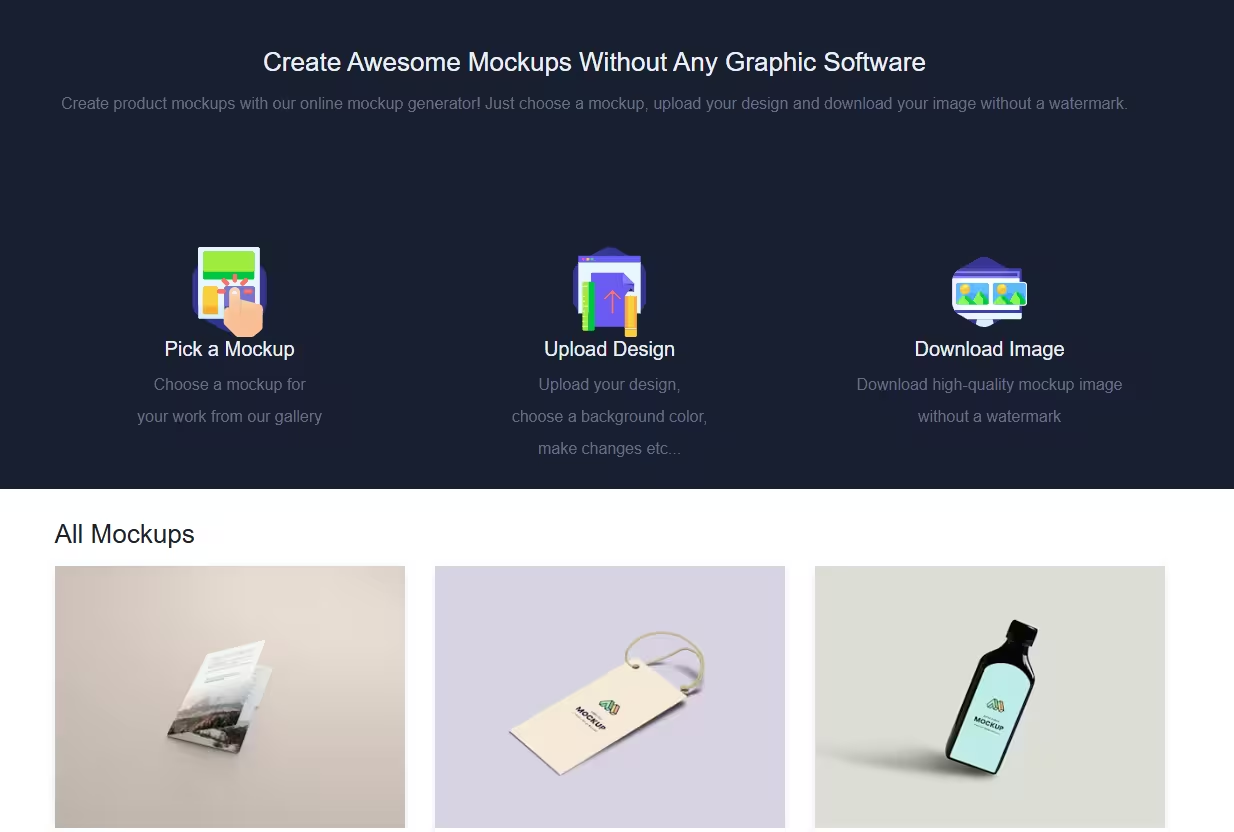
6. Mockupbro – Lightweight Tool for Basic Mockups
Mockupbro is a minimalistic mockups generator that focuses entirely on quick results. It’s built for users who want to upload a design and instantly preview it on a realistic surface without dealing with complex editors. While it doesn’t offer advanced features, its simplicity makes it reliable for quick mockup creation and basic visual testing.
Key Features
- Free and browser-based mockup generator
- Simple upload-and-preview workflow
- No advanced editing or customization tools
- Fast, hassle-free downloads
Best For
Mockupbro is ideal for hobby projects, students, and early-stage ideas where speed and simplicity are the top priorities.
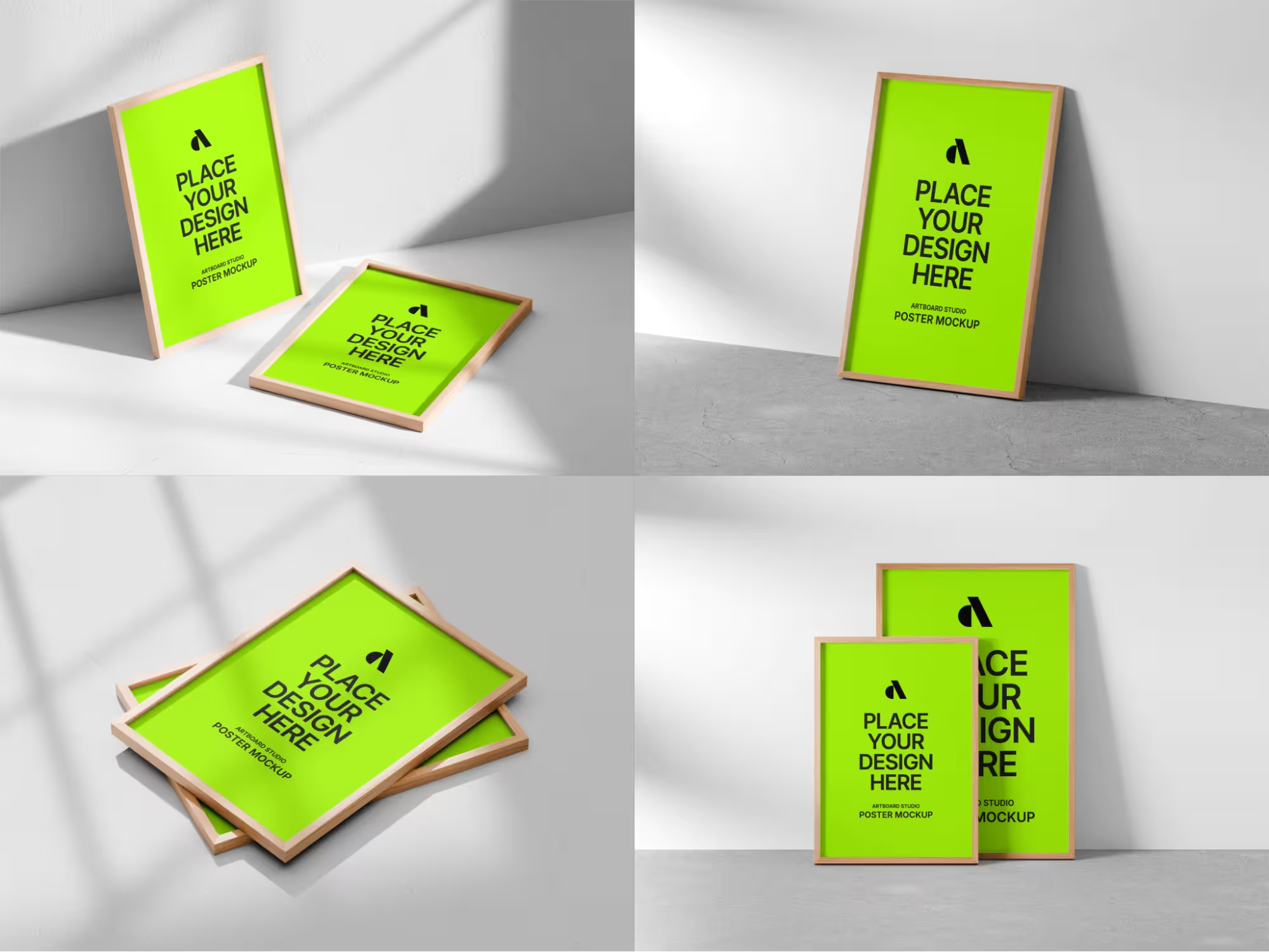
7. Artboard Studio – Best for Advanced Customization
Artboard Studio is a professional mockups generator that goes beyond basic mockup creation. It combines realistic mockups with advanced design controls, allowing users to build custom scenes, adjust layers, and even create animations. This makes it a strong choice for brands and agencies that want more creative freedom while still benefiting from a mockup-based workflow.
Key Features
- Scene-based mockup creation with full customization
- Layer editing and animated mockups
- Brand kits and reusable design assets
- High-quality exports for marketing and presentations
Best For
Artboard Studio is best for designers, agencies, and growing brands that need complete control over professional mockup designs.
8. Figma Mockups – Best for Design Teams & Collaboration
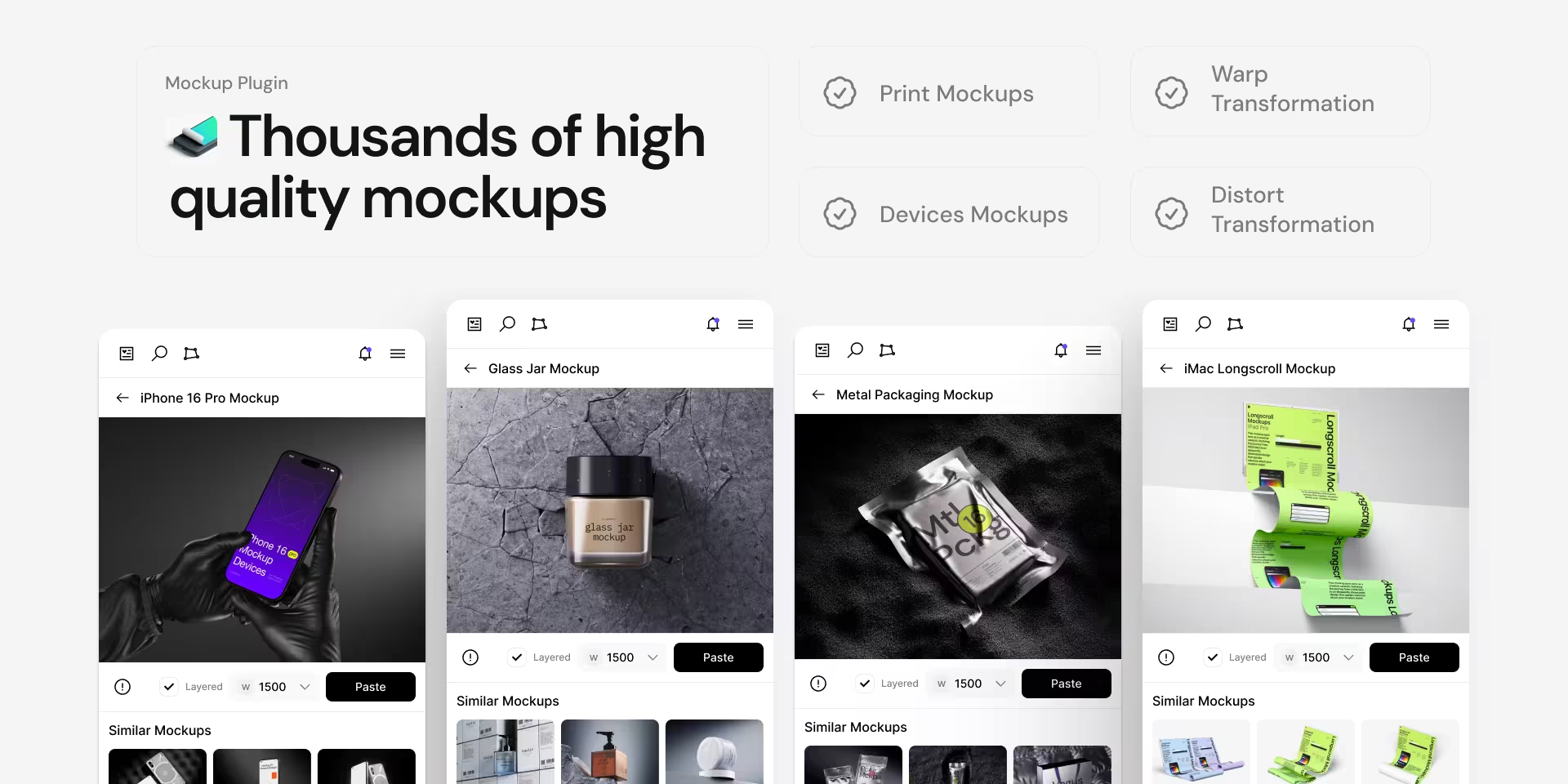
Figma Mockups are widely used by design teams that already work within the Figma ecosystem. Instead of switching tools, designers can turn flat UI designs into realistic mockups directly inside their workspace. This makes the workflow faster, more collaborative, and easier to manage across teams. While it’s not a traditional standalone mockups generator, its flexibility and community-driven templates make it a strong professional option.
Key Features
- Community-powered mockup templates
- Real-time collaboration and feedback
- Seamless integration with UI and UX design workflows
- High-quality exports for presentations and product demos
Best For
Figma Mockups are best for product designers, startups, and teams that need collaborative, design-first mockups.
9. Shotsnapp – Best for Device Mockups
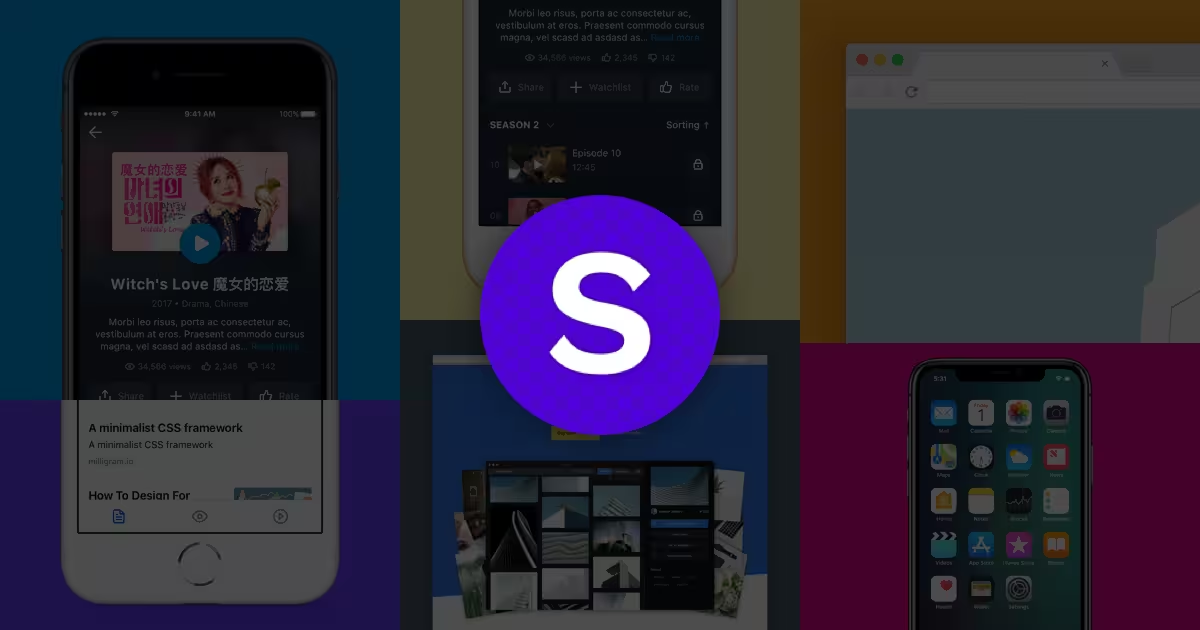
Shotsnapp is a focused mockups generator built specifically for showcasing designs on digital devices. It allows users to present apps, websites, and dashboards inside modern device frames with minimal setup. Its clean interface and speed make it ideal for quick visual presentations.
Key Features
- Device-focused mockup templates (mobile, tablet, desktop)
- Custom background colors and shadows
- Fast export without complicated settings
- Lightweight and easy to use
Best For
Shotsnapp is best for developers, UI designers, and marketers who want clean device mockups for websites, portfolios, and pitch decks.
10. Mediamodifier – Best for Marketing & Print Mockups
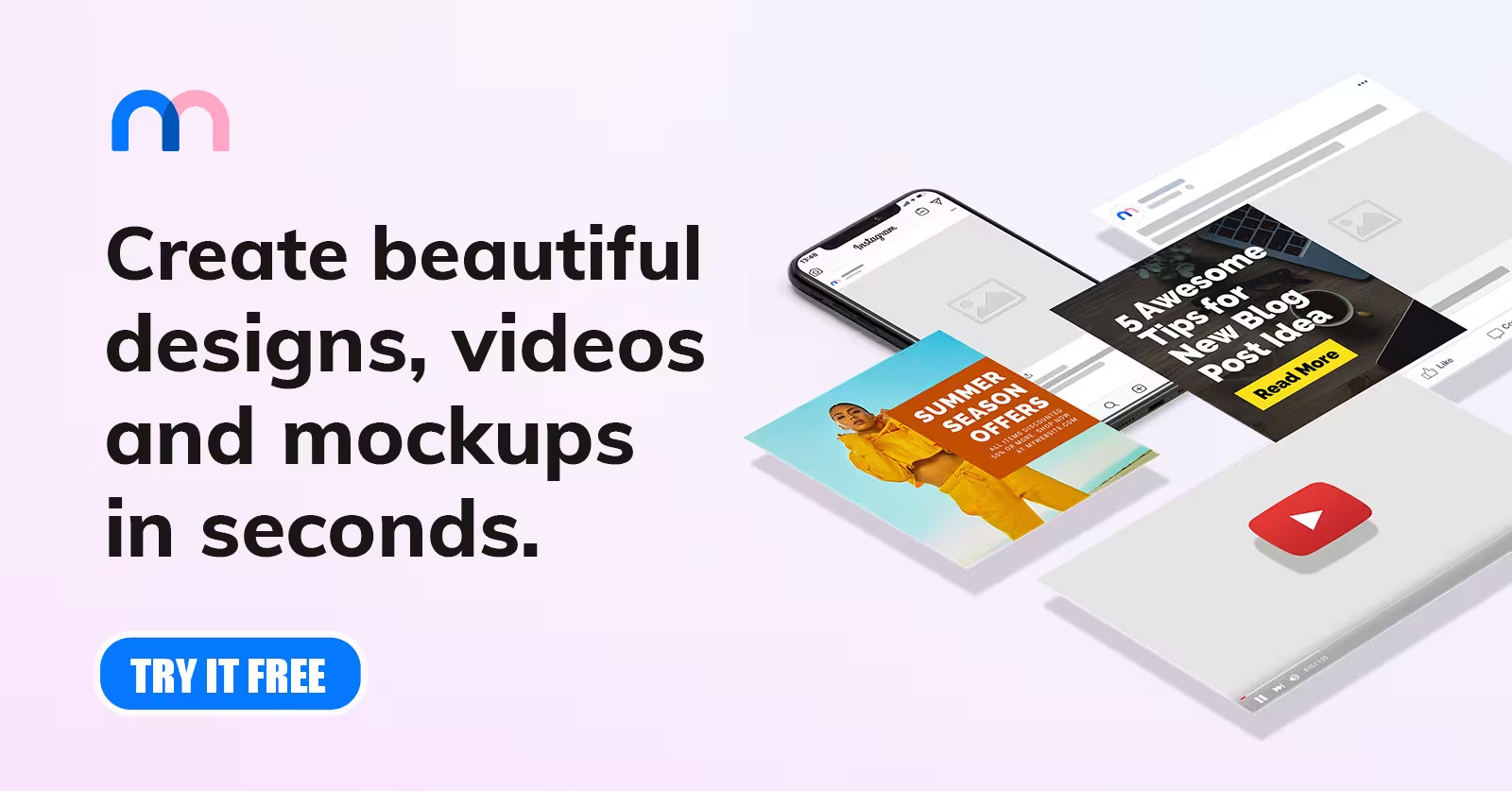
Mediamodifier is a versatile mockups generator designed to support both digital and print marketing needs. It offers a wide range of templates, from apparel and packaging to social media and promotional materials. The platform balances simplicity with flexibility, making it suitable for non-designers and professionals alike.
Key Features
- Large library of product, print, and marketing mockups
- Browser-based editor with smart resizing
- Free and premium mockup templates
- Commercial-use ready exports
Best For
Mediamodifier is best for marketers, eCommerce businesses, and content creators who need fast, professional mockups for campaigns and product listings.
How to Choose the Right Mockups Generator
With so many tools available, selecting the best mockup generator can feel overwhelming. The right choice depends on your goals, skill level, and how you plan to use your mockups. Below is a practical online mockup tool comparison framework to help you make a confident decision.
Ease of Use
A good mockups generator should be intuitive and beginner-friendly. Look for tools with drag-and-drop editors, clear navigation, and minimal setup. If you can create a mockup within minutes, the tool is doing its job.
Output Quality and Resolution
High-resolution output is essential for professional use. Choose a mockups generator that supports HD or 4K exports so your visuals look sharp on product pages, ads, and presentations.
Template Library Size
A large and diverse template library gives you more flexibility. The best mockup generator offers templates for products, devices, packaging, branding, and social media, reducing the need for multiple tools.
Customization Options
Strong customization features allow you to adjust colors, backgrounds, shadows, and angles. This helps align mockups with your brand identity and create unique visuals.
Export Formats and Licensing
Always check export options and usage rights. Reliable tools provide common formats like PNG and JPG with clear commercial licensing, ensuring safe usage.
AI Automation Features
Modern mockup generators use AI for smart scaling, lighting, and perspective. These features save time and improve realism—especially useful for high-volume or fast-paced projects.
Step-by-Step Guide: How to Use a Mockups Generator
Creating professional visuals doesn’t have to be complicated. Most modern tools follow a simple workflow that helps you generate realistic mockups in minutes. Below is a clear, beginner-friendly guide on how to use a mockup generator effectively.
Step 1: Choose a Template
Start by selecting a mockup template that fits your goal. Whether it’s a product, device, packaging, or social media mockup, choose a layout that best represents how your design will be used in real life.
Step 2: Upload Your Design
Once the template is selected, upload your design file. Most mockup generators support common formats like PNG or JPG and automatically adjust the design to fit the template.
Step 3: Adjust Colors, Shadows, and Angles
Fine-tune your mockup by customizing background colors, lighting, shadows, and angles. These small adjustments make the mockup look more realistic and aligned with your brand style.
Step 4: Download the Mockup
After reviewing your design, download the final mockup in high resolution. It’s now ready to use on product pages, ads, presentations, or social media.
Best Practices to Improve Your Mockups
Creating mockups is easy—but creating realistic mockups online that truly stand out requires attention to detail. Following these best practices will help you get professional results, even when using an editable mockup maker.
Use High-Resolution Assets
Always start with high-quality design files. Low-resolution images can appear blurry or pixelated, especially on product pages or large screens. Using sharp assets ensures your mockups look clean and professional across all platforms.
Align Lighting and Shadows
Realistic mockups depend heavily on lighting. Make sure shadows and highlights match the direction of light in the template. Proper alignment adds depth and makes your design feel more natural.
Maintain Brand Consistency
Stick to your brand’s colors, fonts, and visual style. Consistency across mockups helps build recognition and trust, especially when used for marketing or eCommerce.
Optimize for Web and Mobile
Resize and export mockups for different devices. Web-optimized mockups load faster, while mobile-friendly visuals ensure clarity on smaller screens—improving overall user experience.
Conclusion
A mockups generator is no longer just a nice-to-have tool—it’s an essential part of creating professional, high-impact visuals quickly and efficiently. Whether you’re designing product pages, ads, branding assets, or social media content, the right mockup generator helps you save time, reduce costs, and present your ideas with confidence. From beginner-friendly platforms to advanced AI-powered tools, there’s a solution for every skill level and use case.
If you’re just getting started, experiment with free tools to understand your workflow before upgrading to a premium option. As your needs grow, choosing the best mockup generator will help you scale your visual content without compromising quality.
And if you’re building an eCommerce store, pairing professional mockups with reliable suppliers makes all the difference. Spocket helps you source high-quality products, build trust with customers, and turn great visuals into real sales—making your store look and perform better from day one.
Start your dropshipping business today
Mockups Generator Tools FAQs
What is a mockups generator used for?
A mockups generator is used to create realistic visual previews of designs on products, devices, or branding materials. It helps businesses and designers showcase ideas professionally without complex design software.
Are mockups generators free to use?
Many mockups generator tools offer free mockup templates with limited customization. Paid plans usually unlock higher-resolution exports, advanced templates, commercial licenses, and AI-powered features for professional use.
Do I need design skills to use a mockups generator?
No, most mockups generators are built for beginners. They use drag-and-drop editors and automated adjustments, allowing anyone to create professional mockups without prior design or Photoshop experience.
What is the best mockups generator for eCommerce?
The best mockups generator for eCommerce offers high-resolution product templates, realistic lighting, and commercial usage rights. Tools like Placeit, Smartmockups, and AI-based generators work well for product listings and ads.
Can mockups generated be used commercially?
Yes, most mockups generators allow commercial use, but licensing varies by platform. Always review usage rights to ensure your mockups can be used for ads, websites, and product pages without restrictions.
How do AI mockups generators work?
AI mockups generators automatically adjust perspective, lighting, and surface textures. This creates more realistic results while reducing manual work, making them ideal for fast, high-quality mockup creation.
What file formats do mockups generators support?
Most mockups generators support common formats like PNG and JPG for downloads. Some advanced tools also offer PSD or layered exports, depending on the platform and subscription level.


Launch your dropshipping business now!
Start free trial


Related blogs
Top WordPress eCommerce Themes for 2026
Explore the best WordPress eCommerce themes for 2026. Compare WooCommerce themes by speed, design, features, and dropshipping potential.


Saba Mohebpour Didn't Stop at Spocket: His New $50M Fund, ILA Capital, Is Buying Up Shopify and Amazon Apps
After building Spocket into a major ecommerce platform, Saba Mohebpour is launching ILA Capital with a $50M strategy to acquire Shopify and Amazon apps powering modern ecommerce.

Top Trendsi Alternatives for Fashion Dropshipping
Explore the best Trendsi alternatives for fashion dropshipping, fast shipping, branding, Shopify integration, and reliable suppliers.
