


Download Facebook Videos Like a Pro: Best Downloaders
Discover the best Facebook Videos downloader tools online and apps to quickly save Facebook videos in HD, 4K & more. Fast, free, and easy to use!

.avif)

A Facebook Videos downloader makes it easy to save videos from Facebook for offline viewing, content creation, or future reference. Whether it’s a tutorial, a reel, a live session, or a memorable video shared by friends, downloading Facebook videos helps users access content anytime without relying on an internet connection.
Today, there are multiple options available, including online Facebook video downloader tools, mobile apps, and desktop software. Some tools focus on speed and simplicity, while others support HD or 4K quality, reels, and even audio extraction.
However, it’s important to use a Facebook video downloader responsibly. Always download videos you own or have permission to use, and respect copyright guidelines. When used ethically, these tools are powerful for creators, marketers, and everyday users looking for convenience and flexibility.
What Is a Facebook Video Downloader?
A Facebook Videos downloader is a tool designed to help users save videos directly from Facebook to their device. Since Facebook does not offer a built-in option to download most public videos, these tools fill that gap by allowing users to store videos for offline viewing, content reference, or creative use. They are commonly used by content creators, marketers, students, and everyday users who want easy access to videos without relying on an internet connection.
How Does a Facebook Videos Downloader Work?
At a basic level, a Facebook video downloader works by extracting the video file from a Facebook video URL. When a video is uploaded to Facebook, it’s stored on Facebook’s servers in multiple formats and resolutions. Downloader tools access these streams and make them available for download in a user-friendly way.
The process is simple and does not require technical knowledge. Most tools work directly in a web browser, while others are available as apps or desktop software.
Common Features and Functionality
Most Facebook Videos downloader tools follow a similar workflow:
- Paste the Facebook video URL into the downloader
- Choose video quality, such as SD, HD, or even 4K (if available)
- Select the format, usually MP4 for video or MP3 for audio-only downloads
- Download and save the file to your device
Advanced tools also support Facebook Reels, Stories, and sometimes private videos, making them more versatile for different use cases.
Why a Downloader Is Necessary
Facebook allows users to save videos within the app, but those videos can only be viewed online. There is no official way to download most public videos to your device. This is why a reliable Facebook Videos downloader becomes essential for users who want flexibility, offline access, or high-quality downloads without restrictions.
How to Choose the Best Facebook Videos Downloader
Choosing the right Facebook Videos downloader can make a big difference in how smoothly and safely you download content. With so many tools available online, knowing what to look for helps you avoid unreliable platforms and pick a downloader that truly meets your needs. Below are the key factors you should consider before selecting the best option.
Ease of Use and User Experience
A good Facebook video downloader should be simple and intuitive. The best tools follow a “copy–paste–download” process without unnecessary steps, registrations, or technical settings. If a tool requires complex installations or confusing menus, it can slow you down and reduce usability. Clean interfaces and minimal ads also improve the overall experience, especially for non-technical users.
Speed and Download Stability
Speed matters when downloading Facebook videos, especially longer or high-quality files. A reliable Facebook Videos downloader should process links quickly and maintain stable downloads without interruptions or failed attempts. Tools with slow servers or frequent errors can waste time and create frustration, particularly when downloading multiple videos.
Supported Formats and Video Quality
High-quality output is a major deciding factor. The best tools allow you to download Facebook videos in multiple resolutions, including HD and 4K, when available. Support for popular formats like MP4 for video and MP3 for audio adds flexibility, especially for creators who repurpose content or extract audio for podcasts and reels.
Device Compatibility Across Platforms
A top Facebook Videos downloader should work seamlessly across devices. Whether you’re using a desktop, laptop, Android phone, or iPhone, the tool should perform consistently. Browser-based downloaders are often preferred because they don’t require installation and work across operating systems.
Safety, Privacy, and Trustworthiness
Safety is crucial when using online download tools. Choose a Facebook video downloader that does not ask for login credentials, personal data, or unnecessary permissions. Trusted platforms focus on secure downloads, avoid malware, and clearly explain how user data is handled, reinforcing reliability and user trust.
Extra Features Like Reels and Story Support
Modern Facebook content goes beyond standard videos. Advanced tools, similar to platforms like Hobo.Video, support Facebook Reels, Stories, and Live videos, making them more versatile. These added features are especially useful for marketers and content creators who need broader content access.
Top Facebook Videos Downloader Tools in 2025
Choosing the right Facebook Videos downloader depends on how often you download videos, the quality you need, and whether you prefer quick online tools or advanced features. Below are some of the top Facebook video downloader tools that stand out in 2025 for reliability, ease of use, and performance.
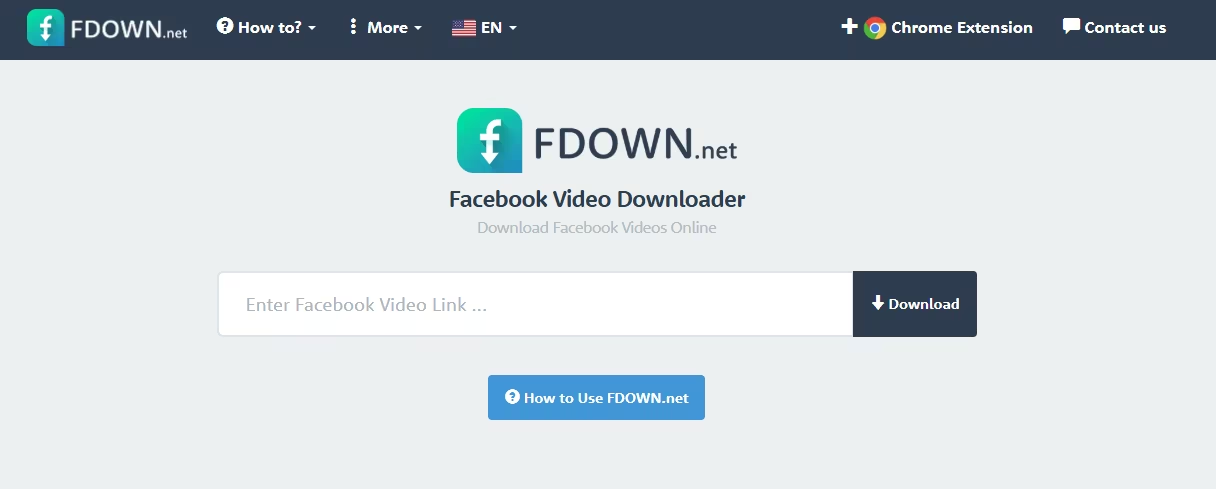
1. Fdown.net – Classic Browser-Based Facebook Video Downloader
FDdown.net is one of the most widely used online tools for downloading Facebook videos. Known for its simplicity, it allows users to quickly save public Facebook videos without installing any software. It’s ideal for users who want a no-frills, fast solution directly from their browser.
Key Features
- Paste-and-download functionality
- Supports standard and HD video quality
- Works directly in web browsers
- No account or installation required
Pros
- Very easy to use
- Lightweight and fast
- Works on desktop and mobile browsers
Cons
- Limited support for reels and stories
- No advanced format customization
Best For: Casual users who want a simple and quick Facebook Videos downloader for public videos.
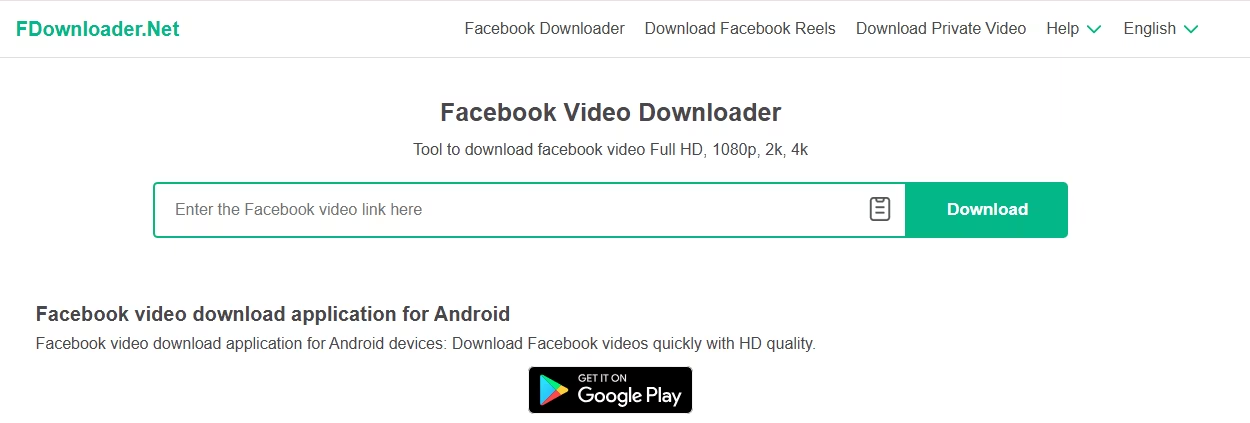
2. FDownloader – Free HD & 4K Facebook Video Downloader
FDownloader is a powerful Facebook video downloader designed for users who care about quality. It supports HD and 4K downloads and also allows audio extraction in MP3 format. This makes it a strong choice for creators, marketers, and users who need high-resolution content.
Key Features
- Supports HD and 4K video downloads
- MP4 and MP3 format options
- Clean and user-friendly interface
- Works across devices
Pros
- Excellent video quality options
- Audio-only download support
- No registration required
Cons
- Limited advanced editing features
- Occasional ads on the site
Best For: Users looking for a high-quality Facebook Videos downloader with audio extraction support.
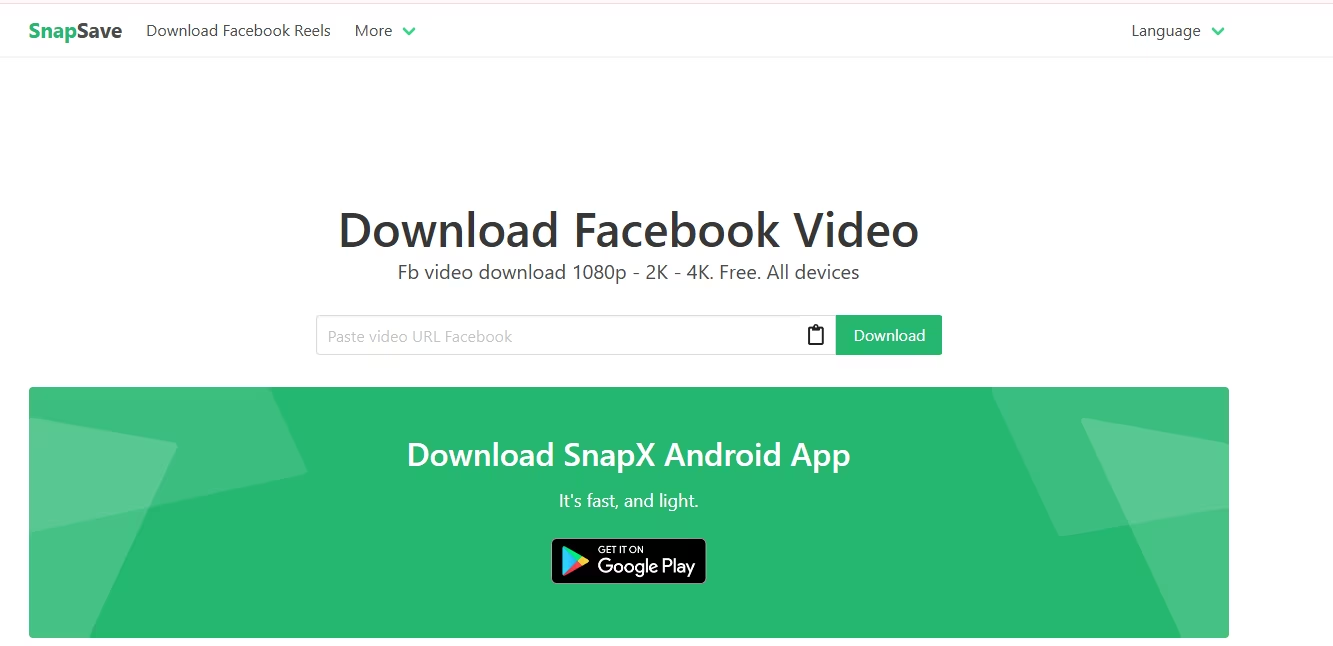
3. SnapSave.app – Fast and Minimal Facebook Video Downloader
SnapSave.app focuses on speed and simplicity. It’s a modern online Facebook Videos downloader that allows users to download videos quickly without distractions. The platform is optimized for fast processing and supports HD and 4K videos when available.
Key Features
- Fast link processing
- HD and 4K video support
- Minimal and clean interface
- No installation needed
Pros
- Extremely fast downloads
- Simple user experience
- Works well on mobile devices
Cons
- Fewer customization options
- Limited extra features
Best For: Users who want a fast, lightweight Facebook video downloader online with minimal steps.
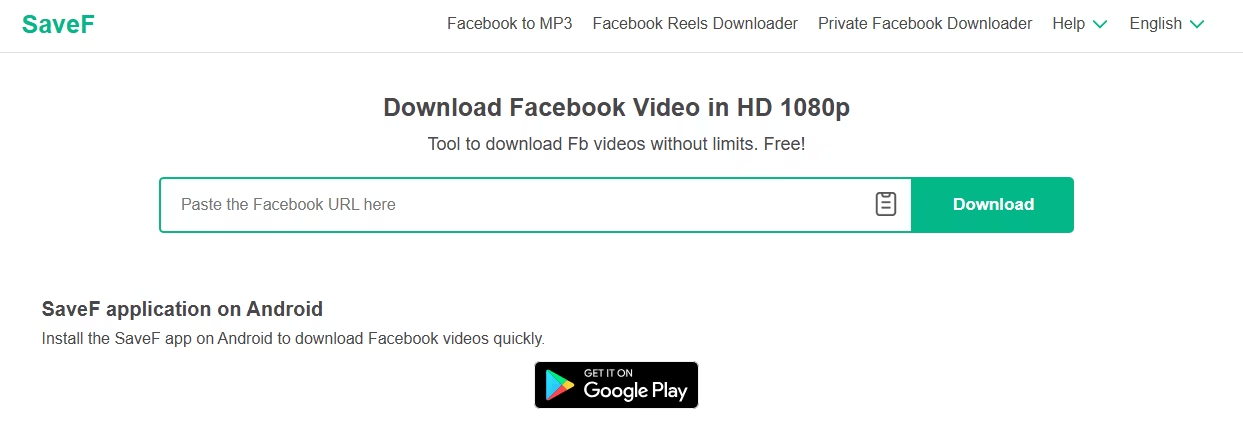
4. SaveF.app – Modern Facebook Reels & Stories Downloader
SaveF.app is a modern Facebook Videos downloader built for today’s content formats. In addition to standard videos, it supports Facebook Reels and Stories, making it ideal for users who frequently download short-form content.
Key Features
- Supports Facebook videos, reels, and stories
- Multiple quality options
- Mobile-friendly interface
- Browser-based tool
Pros
- Great support for modern Facebook content
- Easy to use on smartphones
- No login required
Cons
- Download speed may vary
- Fewer format options compared to advanced tools
Best For: Users focused on downloading Facebook reels and stories with a modern, mobile-friendly tool.
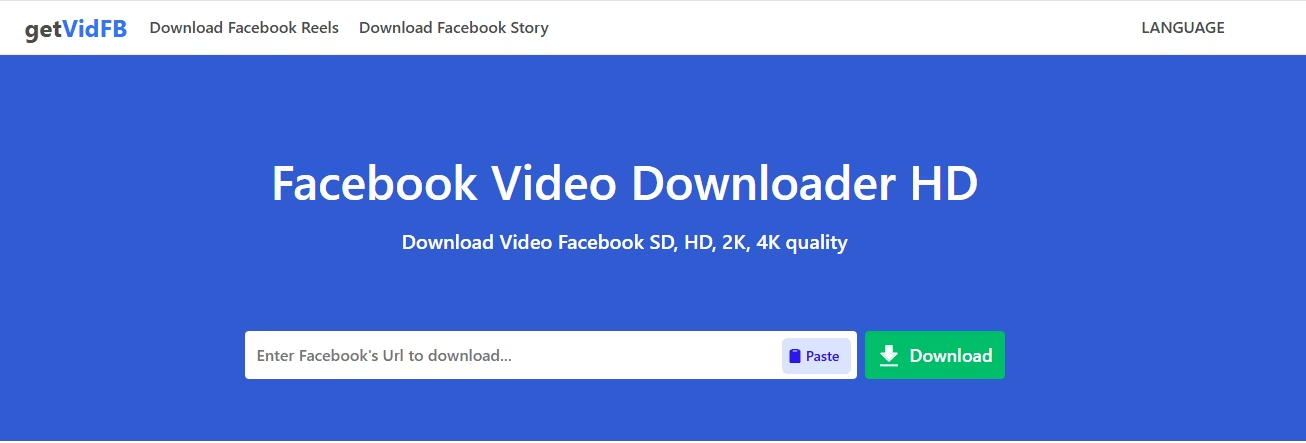
5. GetvidFB – Easy Facebook Video Downloader with Browser Extensions
GetvidFB is a popular Facebook Videos downloader that works both as an online tool and through browser extensions. It allows users to download Facebook videos directly while browsing, making the process quick and seamless without switching tabs or platforms.
Key Features
- Online downloader with browser extension support
- HD video download options
- Simple copy-and-download process
- Works on major browsers
Pros
- Extremely easy to use
- Extension adds convenience
- No software installation required
Cons
- Limited advanced format options
- Not ideal for bulk downloads
Best For: Users who want a lightweight Facebook video downloader with browser integration.
6. iTubeGo – Cross-Platform Facebook Video Downloader App
iTubeGo is a powerful, full-featured Facebook Videos downloader app designed for users who want flexibility and performance. Available for Windows, macOS, and mobile platforms, it supports high-quality video downloads and multiple formats.

Key Features
- Supports HD, 4K, and even 8K videos
- MP4, MP3, and multiple format options
- Fast download speeds
- Cross-platform compatibility
Pros
- Excellent video quality support
- Stable and secure downloads
- Suitable for professional use
Cons
- Paid features in the premium version
- Slight learning curve for beginners
Best For: Power users and creators who need a reliable, high-quality Facebook Videos downloader across devices.
7. FastVid – Mobile-Focused Facebook Video Downloader
FastVid is a mobile-first Facebook Videos downloader app designed specifically for Android users. It allows quick downloads directly to a smartphone, making it ideal for users who consume Facebook content primarily on mobile devices.

Key Features
- Optimized for mobile downloads
- Supports multiple video resolutions
- In-app video playback
- Simple and clean interface
Pros
- Mobile-friendly design
- Quick download process
- Easy to navigate
Cons
- Limited to mobile platforms
- Fewer advanced features
Best For: Users looking for a simple Facebook video downloader app focused on mobile convenience.
8. 4K Video Downloader – Desktop App for Batch & High-Quality Downloads
4K Video Downloader is a desktop-based Facebook Videos downloader built for users who need bulk downloads and premium quality. It supports batch downloading, subtitles, and ultra-high resolutions, making it a top choice for professionals.
Key Features
- Batch video downloads
- Supports HD, 4K, and 8K quality
- Subtitle and metadata support
- Available on Windows, macOS, and Linux
Pros
- Ideal for large downloads
- Superior video quality
- Highly stable and reliable
Cons
- Requires installation
- Some advanced features are paid
Best For: Professionals and heavy users who need a robust Facebook Videos downloader for bulk and high-resolution downloads.
9. SnapTube – All-in-One Video & Facebook Downloader App
SnapTube is a versatile Android app that acts as a comprehensive Facebook Videos downloader along with support for many other social platforms like Instagram, TikTok, and YouTube. It’s one of the most downloaded mobile downloader apps globally, known for delivering multiple quality options and cross-platform media access without needing separate tools.

Key Features
- Supports downloading from Facebook, Instagram, TikTok, and more
- Multiple resolutions: 144p to 4K HD video downloads
- Safe MP3 and M4A audio extraction
- Integrated search and media browsing interface
Pros
- All-in-one tool for multiple platforms
- High-resolution downloads up to 4K
- No desktop required — direct mobile downloads
Cons
- Only available as an Android app (iOS alternatives limited)
- Not officially on app stores (side-loading required)
Best For: Users who want a powerful mobile-oriented Facebook Videos downloader and can download directly to their phone without switching apps.
10. VidMate – Powerful Android Video Downloader
VidMate is an Android video and music downloader that supports Facebook, Instagram, and over 1,000 other platforms. It’s a robust solution for users who download a variety of videos and media types regularly. The app has a large user base due to its high-speed downloads and extensive format support.

Key Features
- Supports Facebook video download in multiple formats
- Fast multi-threaded downloading for high-speed performance
- Batch downloads and background saving
- Built-in content browsing and offline player
Pros
- One of the most extensive platform downloader apps
- Offers HD and 4K quality options
- Background, fast, and efficient downloads
Cons
- Only for Android users
- Some features may require manual setup
Best For: Users who want a feature-rich Facebook Videos downloader for Android with broad platform support and offline management.
Step-by-Step Guide: How to Download Facebook Videos
Using a Facebook Videos downloader is simple once you understand the process. Whether you’re saving a video for offline viewing, content reference, or creative use, the steps remain largely the same across most tools. Below is a clear, beginner-friendly guide that works for both online tools and apps.
Step 1: Copy the Facebook Video URL
Start by opening Facebook and locating the video you want to download. Click on the three-dot menu or right-click the video (on desktop) and select Copy link. On mobile, tap Share and then Copy link. This URL is essential, as every Facebook video downloader works by processing the video link.
Step 2: Paste the URL Into a Facebook Videos Downloader
Next, open your preferred Facebook Videos downloader online or app. Paste the copied URL into the input field provided on the tool’s homepage. Most downloaders instantly recognize the link and prepare the video for download without requiring login or registration.
Step 3: Select Video Quality and Format
Once the video loads, choose your preferred quality. Many tools offer SD, HD, or even 4K options if available. You may also see format choices such as MP4 for video or MP3 for audio-only downloads, which is useful for podcasts or background listening.
Step 4: Download and Save the Video
Click the Download button and wait for the file to process. The video will be saved directly to your device’s default download folder. Reliable Facebook video downloader tools complete this step quickly and without interruptions.
Tips: Mobile vs. Desktop Downloading
On desktop, browser-based tools offer better stability and higher quality options. On mobile, apps and mobile-optimized websites are more convenient for quick downloads. Always ensure you’re using a secure, trusted Facebook Videos downloader to avoid unsafe ads or malware.
Following these steps ensures smooth, safe, and high-quality Facebook video downloads every time.
Facebook Reels vs Story Downloader
Understanding the different types of content on Facebook helps you choose the right Facebook Videos downloader and ensures you save exactly what you want. Facebook offers regular videos, Reels, and Stories — each with unique formats and purposes. Knowing the differences and which tools support each format makes downloading easier and more efficient.
What Are Facebook Reels, Stories & Regular Videos?
Regular Facebook Videos
Regular Facebook videos are the classic videos shared on a user’s timeline, Page, or group. These can range from short clips to longer recordings. Unlike built-in saving features, regular Facebook videos usually don’t have native download options, so a Facebook video downloader is essential to save them offline.
Facebook Reels
Facebook Reels are short, engaging videos designed for discovery and entertainment. They often feature music, creative edits, and vertical formatting — similar to TikTok-style content. Reels are typically more discoverable and have higher engagement than regular feed videos. Unlike Stories, Reels remain visible unless removed by the creator, making them ideal content to save and repurpose.
Facebook Stories
Stories are temporary videos or images that disappear after 24 hours unless saved as highlights. This ephemeral nature makes them perfect for time-sensitive updates and behind-the-scenes content. Since Stories vanish quickly, many users prefer using tools that support Facebook Stories downloader to save memories before they disappear.
Tools That Support Reels, Stories & Videos
Not all downloaders handle every content type. Here’s how to choose the right tool based on what you want to save:
Tools Supporting All Formats
- InstantDP – An all-in-one downloader for Facebook videos, Reels, Stories, and photos in high quality.
- SnapVid / SnapSave – Supports saving public videos and Facebook Reels in high resolutions up to 4K.
Reels-Focused Downloaders
- Publer’s Facebook Reel Downloader – Specializes in saving Facebook Reels in HD quality without ads or watermarks.
- Quirktools Facebook Reels Downloader – Simple online tool for high-quality Reel downloads.
Stories-Focused Downloaders
- 30Tools Facebook Story Downloader – Allows anonymous viewing and downloading of Facebook Stories and highlights.
These tools make saving different Facebook content formats effortless and support both desktop and mobile workflows, depending on your needs.
Extra Tips for Downloading Reels and Stories
- Public vs Private Content: Most downloaders only support public Reels or Stories. Private content may not be downloadable due to privacy restrictions unless the downloader specifically supports it.
- Download Quality: For high-quality saves, always check if the tool supports HD or 4K resolution, especially useful for Reels that often feature vibrant visuals and audio.
- Quick Access: Use a mobile-optimized downloader when saving Stories on the go, as these are time-sensitive and likely to disappear within 24 hours.
- Respect Copyright: Only download content you own or have permission to use — this keeps your content usage ethical and avoids legal issues.
Safety & Privacy Tips for Downloading Facebook Videos
Using a Facebook Videos downloader can be convenient, but safety and privacy should always come first. Not all tools are trustworthy, and choosing the wrong platform can expose your device or personal data to risks. Following best practices ensures you download Facebook videos securely and responsibly.
Avoid Unsafe Facebook Video Downloader Websites
Many free Facebook video downloader online tools rely heavily on ads, pop-ups, or hidden redirects. Some of these sites may contain malware, phishing scripts, or intrusive trackers. Always avoid downloaders that automatically redirect you to unfamiliar pages or prompt you to install unknown software. A safe Facebook Videos downloader should work directly in your browser without forcing downloads or extensions.
Check Permissions and File Sources Carefully
Never grant unnecessary permissions when using a Facebook video downloader. Legitimate tools do not ask for Facebook login credentials, email access, or system-level permissions. Before saving a file, ensure it’s in a common format like MP4 or MP3 and verify the file name to avoid disguised executable files that could harm your device.
Use Trusted and Well-Reviewed Downloaders
Choose tools with a strong reputation, clear privacy policies, and consistent user reviews. Reliable Facebook Videos downloader platforms prioritize user security, process videos securely, and do not store personal data. Using well-known tools reduces the risk of malware and ensures stable downloads.
Respect Content Creators and Copyright Rules
Downloading Facebook videos should always be done ethically. Only save videos you own or have permission to use. Respecting creator rights builds trust, avoids legal issues, and ensures responsible use of Facebook video downloader tools for personal or professional purposes.
Staying cautious helps you enjoy Facebook content safely and responsibly.
Conclusion
Choosing the right Facebook Videos downloader depends on what you need most—speed, HD or 4K quality, mobile access, or support for reels and stories. Online tools are perfect for quick downloads, while apps work better for frequent or high-quality use. Always prioritize safety, ease of use, and trusted platforms.
If you found this guide helpful, feel free to share it with others who download Facebook videos regularly. And if you’re building or growing an online business, platforms like Spocket can help you source winning products and create content that converts—making your downloads and marketing efforts work together more effectively.
Start your dropshipping business today
FAQs About Facebook Videos Downloader
Is it legal to download Facebook videos?
Downloading Facebook videos is legal if the content is public and you have permission from the owner. Always avoid downloading copyrighted videos for redistribution or commercial use without proper authorization.
Can I download private Facebook videos?
Most Facebook Videos downloader tools do not support private videos due to privacy restrictions. Downloading private content without consent may violate Facebook’s terms and privacy laws.
Which tool is best for HD or 4K downloads?
Tools like FDownloader, SnapSave, and 4K Video Downloader are ideal for HD and 4K Facebook video downloads, offering high-quality output and stable performance.
Do I need an app to download Facebook videos?
No, many online Facebook video downloader tools work directly in your browser. Apps are useful only if you download videos frequently or need batch and high-quality downloads.
Can I download Facebook Reels and Stories?
Yes, certain tools support Facebook Reels and Stories, but availability depends on whether the content is public. Always use trusted downloaders that clearly support these formats.
Are Facebook video downloader tools safe to use?
Trusted Facebook Videos downloader tools are safe when they don’t require login details or extra permissions. Avoid suspicious sites with pop-ups, forced installs, or unknown file downloads.


Launch your dropshipping business now!
Start free trial


Related blogs

What Is Ecommerce? Definition, Types and Models
What is ecommerce? Learn the definition, types (B2C, B2B, D2C), business models, and 2026 US Census data, plus how to work out profit on a single order.


eBay Seller Hub: Every Tab Explained
eBay Seller Hub explained tab by tab, with fees worked through, a weekly routine and how dropshippers use it to track orders, seller level and payouts.

Top WordPress eCommerce Themes for 2026
Explore the best WordPress eCommerce themes for 2026. Compare WooCommerce themes by speed, design, features, and dropshipping potential.
