


How to Use AliScraper with Spocket to Get the Best of Both Worlds (AliExpress + Fast Fulfillment)?
AliScraper connects AliExpress product variety with Spocket's fast fulfillment. Learn how to install, import, and fulfill orders with this free Chrome extension.
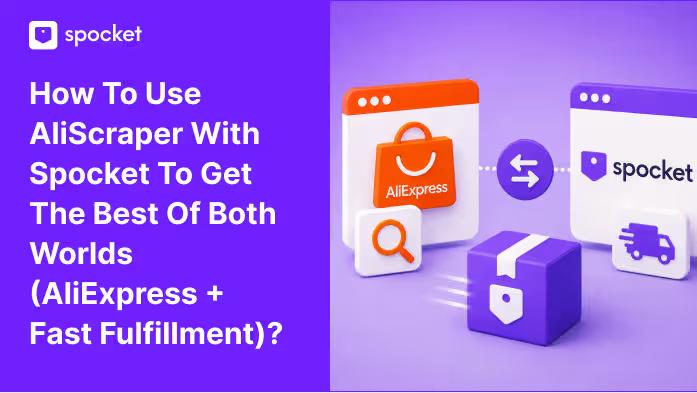

AliExpress has a variety of products. Millions of items in every category imaginable. But it also has shipping times that make customers angry. Spocket has the fast fulfillment—US and EU suppliers that deliver in days—but a more curated catalog. You've probably wished you could combine the two: browse the endless aisles of AliExpress and fulfill orders with the speed and reliability of Spocket.
That's exactly what AliScraper does. It's a free Chrome extension built by Spocket that lets you import products from AliExpress directly into your Spocket account. Once imported, those products get the same automated order processing, inventory syncing, and fulfillment workflow as any other Spocket product. You get the variety of AliExpress and the backend horsepower of Spocket in one workflow.
Let's walk through the setup, the features, and how to actually use this thing to build a store that doesn't compromise on catalog size or shipping speed.
What Is AliScraper?
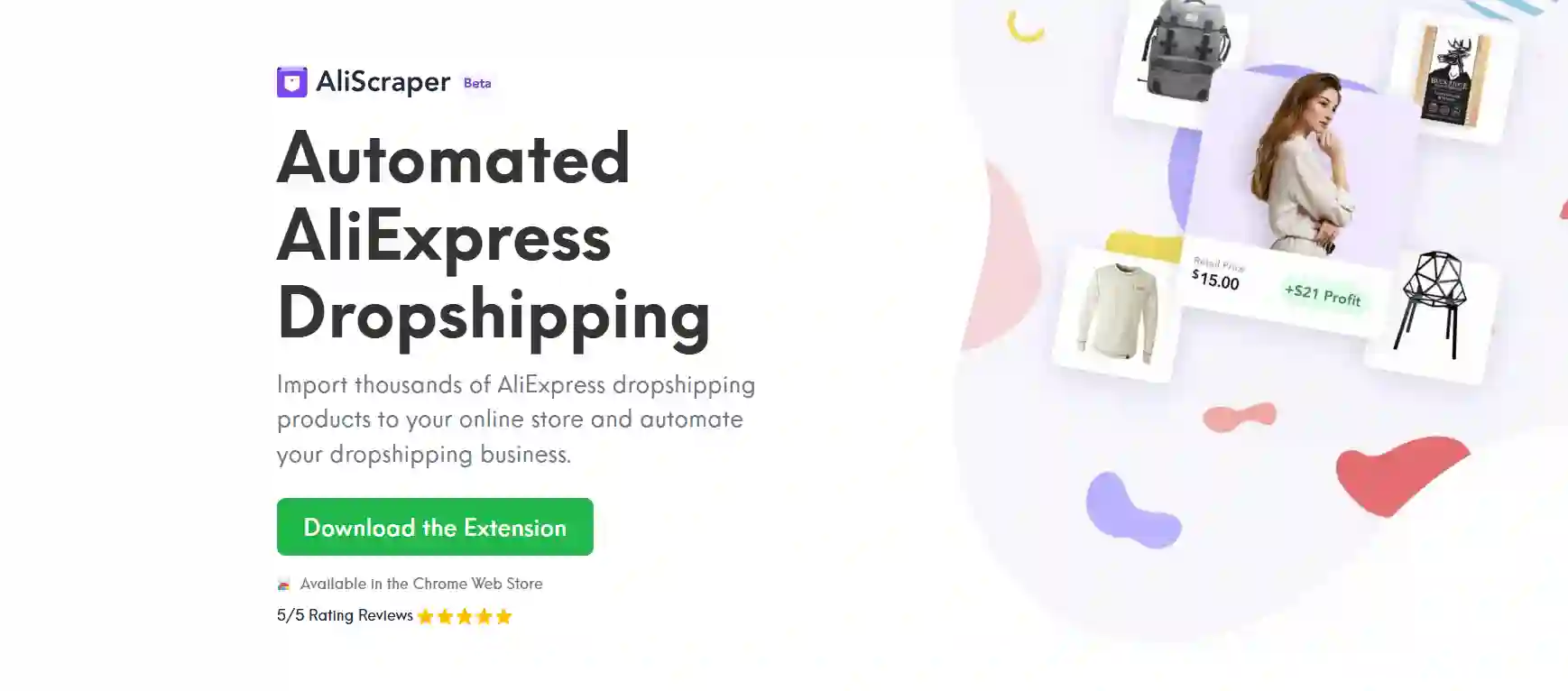
AliScraper is a Chrome extension that connects your AliExpress browsing directly to your Spocket account. While you're searching AliExpress for products, a few clicks let you import any listing into Spocket's import list. From there, you push it to your Shopify, Wix, WooCommerce, or whatever store you run. When orders come in, Spocket handles the fulfillment—no manual forwarding, no copying tracking numbers.
The extension is free. There's no separate subscription. You just need a Spocket account (even the free tier works to test) and a Google Chrome browser. You install it from the Chrome Web Store, sign in once, and it stays connected.
The real power move here is combining two things that normally don't play together: AliExpress's infinite product selection and Spocket's fulfillment automation. Without AliScraper, you'd have to manually place AliExpress orders for every sale, copy tracking numbers, update customers. With it, that entire process is automated. The order comes in, you process it in Spocket's dashboard, and it flows through to the AliExpress supplier without you touching anything else.
How to Install AliScraper and Connect It to Spocket?
Before you start, make sure you're using Google Chrome. AliScraper is built for Chrome and doesn't work on other browsers. Head to the Chrome Web Store, search for "AliScraper," and click Add to Chrome. The extension icon will appear in your toolbar.
Now go to AliScraper. You'll see the same information there—download links, features, and support options. Once the extension is installed, click on the icon in your toolbar. It'll prompt you to sign in to your Spocket account. If you don't have one yet, you can sign up for free using your email, Google, or Facebook account.
After signing in, the extension is live. You'll see it active whenever you browse AliExpress. That's the entire setup process. Under two minutes.
For a broader look at how the Spocket integration fits into your overall store, check the AliScraper integration page. It explains how the pieces connect across platforms.
Searching for Products with AliScraper
Open AliExpress and search like you normally would. Type in whatever you're looking for—cowboy hats, reusable kitchen sponges, LED lights, whatever your niche calls for. With AliScraper active, you get extra filtering options right on the search results page.
The extension adds filters for shipping destination and shipping method. Let's say you want products that ship to the USA using AliExpress Standard Shipping. You set those filters, and the results update to show only products that match. You can also hide products that don't meet your criteria entirely, which cleans up the browsing experience.
There's an additional filter for product ratings. You can set a minimum rating threshold so you're only looking at items with decent reviews. That helps weed out the junk before you waste time importing something that'll generate complaints.
Once you've found a product you like, importing it is straightforward. You have three ways to do it.
First, you can click on the individual product listing. On that page, you'll see a button in the bottom right corner that says "Import to Spocket." Click it, and the product gets added to your Spocket import list. Second, you can click the AliScraper extension icon in your toolbar while on the product page—same result. Third, and this is the fastest, you can import directly from the search results page. When you hover over a product listing, an "Import to Spocket" button appears. One click, done.
All three methods send the product to your Spocket import list. It takes a few seconds to appear there. You can keep browsing and importing while products load in the background. Nothing gets lost.
Bulk Import and Curated Collections
If you want to move fast, AliScraper supports bulk imports. On AliExpress's homepage, you'll find curated collections like "New Arrivals" or "Featured." Click into any collection, and you'll see a "Bulk Import Products to Spocket" button. Click it, and every item in that collection gets added to your import list at once.
This is useful when you're testing a new niche and want to quickly populate your store with dozens of relevant products. You can curate later—delete the ones that don't fit, keep the ones that do. The bulk import saves you from importing one product at a time.
You can also import in bulk from your AliExpress wishlist. If you've been saving products there, the same import button appears, and you can pull them all over to Spocket in one go.
Start your dropshipping business today
Sign up on Spocket Free
Reverse Image Search and Product Recommendations
AliScraper has two features that go beyond basic importing.
The reverse image search lets you find AliExpress products from any image on the web. See a product on Instagram or a competitor's store that you'd like to sell? Right-click the image and select "Search AliExpress by this image." AliScraper will pull up similar products on AliExpress that you can import. You can also upload an offline photo directly through the extension. This is a fantastic way to source products that are already proven to be in demand—if someone else is selling it successfully, you can find the supplier and list it yourself.
The product recommendation tool works inside any AliExpress product listing. Scroll down on a product page and click "Show Recommendations." AliScraper generates a list of similar or related products based on what you're currently viewing. This helps you discover complementary items to build out a collection or find variations of a product that might sell better.
These two features together turn AliExpress into a proper product research engine. You're not just searching keywords. You're following visual trails and algorithmic suggestions to find products you might never have thought to search for directly.
The Best of Both Worlds: AliExpress Variety + Spocket Fast Fulfillment
Here's where the strategy comes together. AliExpress gives you variety—products that aren't available in Spocket's native catalog. Maybe it's a trending gadget that hasn't made it to US warehouses yet. Maybe it's a niche item with limited supplier options. With AliScraper, you can list those products and still use Spocket's automation to manage the backend.
Spocket handles the fulfillment even for AliExpress products. When an order comes in, you process it in the Spocket dashboard. Spocket forwards the order to the AliExpress supplier automatically. Tracking numbers sync back to your store. You don't log into AliExpress at all after the initial import.
But the real advantage is the ability to mix and match. Your core catalog might be products from Spocket's native US and EU suppliers—fast shipping, high quality, branded invoicing. Those are the products you build your brand around. Then you supplement with AliExpress imports for trending items, seasonal products, or niche finds that Spocket doesn't carry. The AliExpress items might have longer shipping, but you can be transparent about delivery estimates. Meanwhile, the fast-shipping Spocket products keep your overall store reputation solid.
This hybrid approach also helps with product testing. Before you commit to finding a US-based supplier for a new product idea, you can test demand with an AliExpress version imported through AliScraper. If it sells well, you look for a faster supplier. If it flops, you've spent almost nothing. That's risk mitigation that keeps your store agile.
If you're looking for products to anchor your store, browse trending dropshipping products on Spocket. These are items with proven demand that ship fast. Use them as your reliable revenue base while you experiment with AliScraper imports on the side.
Order Fulfillment: How It Works After the Import
Once you've imported products and listed them on your store, the fulfillment flow is the same as any Spocket order. A customer buys something. You go to your Spocket dashboard, find the order, and process it. If it's from a native Spocket supplier, it ships from the US or EU. If it's from an AliExpress import, it ships from the AliExpress supplier, but the process for you is identical.
Spocket's automation handles the communication with the supplier. You don't manually place orders on AliExpress. You don't copy-paste tracking numbers into Shopify. The entire workflow is centralized in one dashboard. If you're on a plan with bulk checkout, you can process hundreds of orders with a single click.
This is the part that transforms AliExpress dropshipping from a manual grind into something scalable. Without AliScraper, running an AliExpress-based store means logging into AliExpress multiple times a day, placing individual orders, entering shipping addresses, and hoping the supplier processes everything correctly. With AliScraper and Spocket, all of that becomes background noise.
Which Spocket Plans Include AliExpress Dropshipping?
AliExpress dropshipping is included on all paid Spocket plans. The Professional plan ($59/month or $24/month annually) gives you 250 unique products and 25 premium products. The Empire plan ($99/month or $57/month annually) gives you 10,000 unique products and 10,000 premium products—that's the one most serious dropshippers end up on. The Unicorn plan ($299/month or $79/month annually) goes even higher.
Even the Starter plan gives you access to the AliExpress integration, though with limited product capacity. You can test the workflow, import a few products, and see how it works before committing to a higher tier.
One thing to note: Spocket has no MOQs. Whether you're sourcing from Spocket's native suppliers or through AliExpress imports, you're not required to order in bulk. Test single units. Order samples. Scale up when you're confident.
Spocket integrates with all the major platforms: Wix, WooCommerce, eBay, and BigCommerce —in addition to Shopify. The AliScraper imports flow into whatever store you have connected to your Spocket account.
Tips for Using AliScraper Effectively
Vet your AliExpress suppliers. The extension shows ratings and reviews, but dig deeper before you import. Look at the supplier's overall rating, how long they've been selling, and whether other dropshippers have flagged issues. A cheap product from a bad supplier costs you more in refunds than you save.
Use image search to find unique products. If you see something selling well on Instagram, TikTok, or a competitor's store, right-click and search. AliScraper will find the supplier. This is one of the fastest ways to catch trends early.
Combine AliExpress imports with Spocket's fast-shipping native products. If your store has a mix of both, customers who need something quickly will gravitate toward the fast-shipping items. Those willing to wait can buy the AliExpress products. You can label shipping estimates clearly on your product pages to set expectations.
Check the import list regularly. Products you imported might get taken down on AliExpress, or the price might change. Spocket's dashboard shows you any issues with your imported products. Remove or update as needed.
Use the product recommendations feature to build out collections. If you import one product in a niche, the recommendations will show you complementary items. Import those too, and you've got a mini catalog built around a theme.
Don't forget about dropshipping fundamentals. AliScraper makes product sourcing faster, but your store still needs good product pages, clear shipping policies, and responsive customer service. The tool handles the sourcing and fulfillment; you handle the brand.
Conclusion
AliScraper gives you the best of both worlds: the massive product selection of AliExpress and the automation and fulfillment power of Spocket. Install the Chrome extension, sign in once, and you can import products in seconds, search by image, bulk import entire collections, and fulfill orders without ever touching AliExpress manually. Use it to test products, expand your catalog beyond what's available in Spocket's native catalog, and keep your fulfillment centralized. If you're running a dropshipping store and you're not using this, you're doing extra work for no reason.
Ready to connect the two? Start your free trial with Spocket and install AliScraper to start importing today.
How to Use AliScraper with Spocket FAQs
Is AliScraper free to use?
Yes. The Chrome extension is completely free. You just need a Spocket account, which has a free tier to get started. There's no separate cost for AliScraper itself.
Does AliScraper work on browsers other than Chrome?
No. It's built specifically for Google Chrome. If you're using Safari, Firefox, or Edge, you'll need to switch to Chrome to use the extension.
Can I import products in bulk with AliScraper?
Yes. You can bulk import from AliExpress collections like New Arrivals or Featured, and from your AliExpress wishlist. A single click imports dozens of products at once.
How does order fulfillment work for AliExpress imports?
Once a customer places an order, you process it in the Spocket dashboard like any other order. Spocket handles forwarding the order to the AliExpress supplier and syncing tracking information back to your store.
Do I need an AliExpress account to use AliScraper?
No. You browse AliExpress normally, but the import and fulfillment process goes through Spocket. You don't need to log into AliExpress separately to fulfill orders.
Can I mix AliExpress products and Spocket native products in the same store?
Yes. That's the whole point. You can have fast-shipping products from Spocket's US/EU suppliers alongside AliExpress imports. Just be transparent about delivery estimates for each product.
What happens if an AliExpress product I imported gets removed or changes price?
Spocket's dashboard flags issues with imported products. You should review your import list regularly and remove or update products that are no longer available or have changed significantly.


Launch your dropshipping business now!
Start free trial.avif)


Related blogs
Dropshipping Supplier Directory: Where to Find Vetted Suppliers
Browse our directory of vetted dropshipping suppliers across the US and EU, complete with niches, shipping speed, and pricing. Start your free trial today.

How to Negotiate With Dropshipping Suppliers: 9 Tactics That Actually Work
Learn how to negotiate with dropshipping suppliers on price, MOQs, and payment terms. Proven tactics and email scripts to boost your margins. Try Spocket free.

Best Clothing Dropshipping Suppliers: The 2026 Guide
Compare the best clothing dropshipping suppliers for 2026 — US/EU shipping speeds, pricing, and product quality — and find the right fit to launch your store.
